A multilingual site is more than a second copy of its paragraphs. Navigation labels, URLs, form messages, categories and search results also need a language strategy. A translation plugin should support that strategy rather than determine it accidentally after content has been entered.
Begin with the relationship between pages. When a reader switches language on an article, should the corresponding article open? What happens if that translation has not been published? Decide whether the missing version is hidden, explained or handled through another deliberate route. Sending every switch to the homepage loses the reader's context.
Check which content the plugin can manage. Posts and pages may be straightforward while custom fields, reusable elements or plugin-generated messages need additional integration. List the actual features on your site and consult their documentation. A general claim of compatibility is less useful than confirmation for the fields you rely on.
Choose a publishing workflow
Decide who writes, reviews and updates each version. Automatic translation can provide a starting point, but product names, technical instructions and regional wording still need editorial review. A change to an English instruction should create a visible task for the Spanish version rather than leaving an outdated translation unnoticed.
Test URL behavior and navigation with a small pair of pages. Verify language switching, category links, search and any forms. For regional variants, agree on the intended audience and vocabulary. A single Spanish version may serve a broad audience, but it should not silently assume every reader lives in Spain.
Read the diagram as text
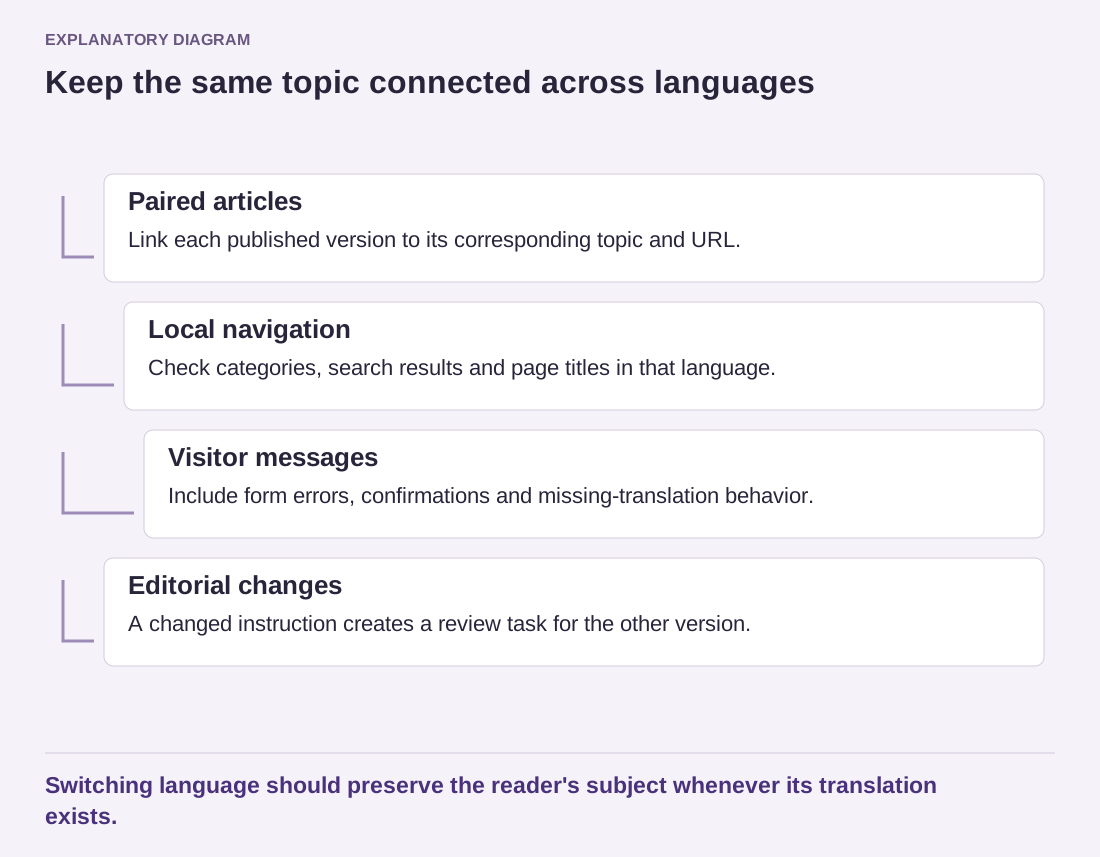
- Paired articles: Link each published version to its corresponding topic and URL.
- Local navigation: Check categories, search results and page titles in that language.
- Visitor messages: Include form errors, confirmations and missing-translation behavior.
- Editorial changes: A changed instruction creates a review task for the other version.
Switching language should preserve the reader's subject whenever its translation exists.
Ask how content can be exported if the plugin is replaced. Some approaches store separate posts, while others attach translations through their own structures or services. Understand how page relationships and translated strings survive an exit, not just whether a CSV button exists.
Finally, inspect the public output with someone who reads each language. The language selector, fallback behavior and page titles should remain understandable on a phone. A successful setup is one that keeps equivalent content connected and makes future editorial changes manageable.