A design can look consistent on the homepage while less common blocks remain awkward. A quote, table or long list may not appear in that first preview. The Style Book, where available in the active editing environment, offers a way to inspect examples of block styles together rather than hunting through published pages for every type.
Use it to compare the site's basic visual vocabulary: paragraphs, headings, buttons, lists and other supported blocks. Look for relationships, not just isolated attractiveness. A button should feel related to the typography around it; a quote should be distinguishable without becoming a different visual language. Large differences can indicate an accidental override or an incomplete style decision.
The controls and availability depend on the theme and WordPress version. A block theme's Styles interface is a common place to find this review tool. If the feature is unavailable, a private page containing representative blocks can serve a similar inspection purpose. Do not switch themes simply to obtain a particular preview screen.
Treat the examples as a starting point. They cannot represent every real title length, image proportion or nested layout. A heading that looks balanced in the sample may wrap poorly in an actual article. After adjusting a shared style, inspect the pages where it will be used, especially those with unusual content.
Check combinations as well as individual blocks. A link inside a colored panel can have different contrast from the same link on white. A button inside a narrow column may wrap differently from the isolated sample. The Style Book helps reveal the baseline, while actual pages reveal how that baseline interacts with context.
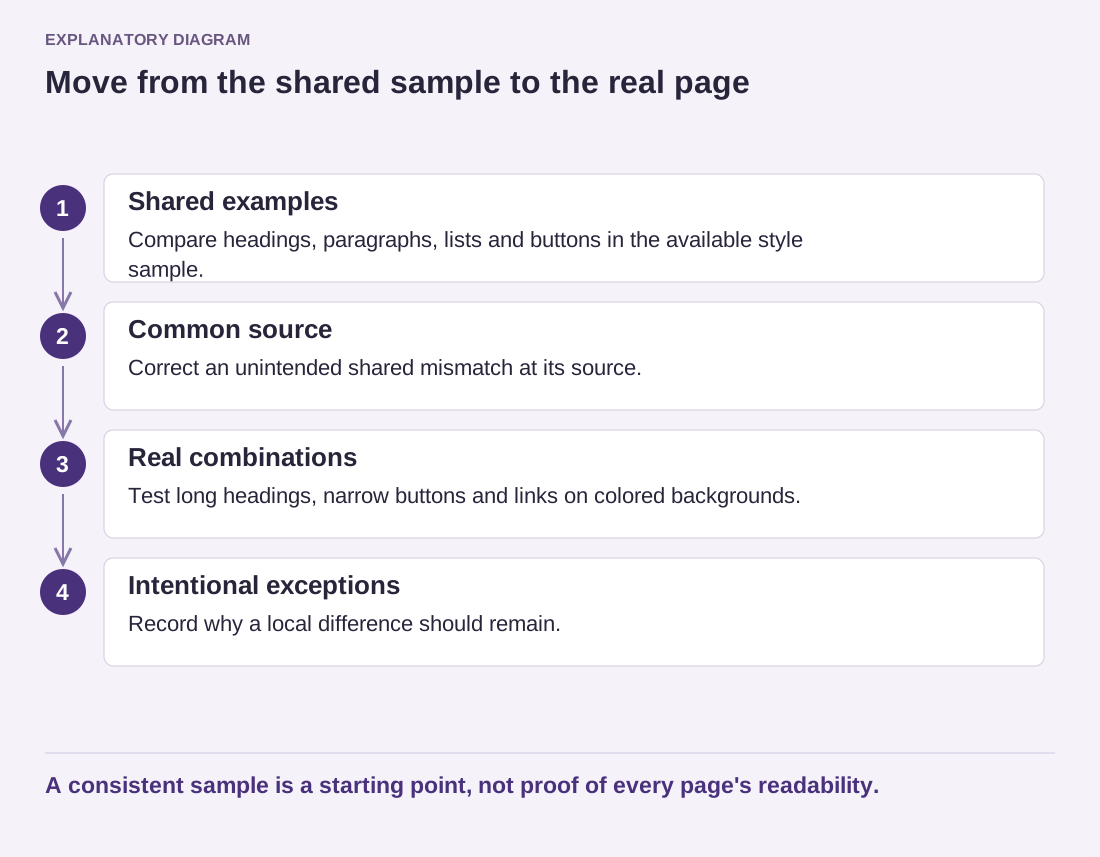
Read the diagram as text
- Shared examples: Compare headings, paragraphs, lists and buttons in the available style sample.
- Common source: Correct an unintended shared mismatch at its source.
- Real combinations: Test long headings, narrow buttons and links on colored backgrounds.
- Intentional exceptions: Record why a local difference should remain.
A consistent sample is a starting point, not proof of every page's readability.
Keep a small list of intentional exceptions so they are not mistaken for errors during a later review. If the same mismatch appears repeatedly, fix its shared source rather than editing each page independently. The tool is useful when it turns vague visual discomfort into a specific style decision. It is not a substitute for checking the public site on the screens your readers use.