A contact section should tell a visitor how to reach the site and what kind of message belongs there. It does not need a form to look complete. A clear email link can be appropriate for a small publication, provided the address is real and someone is responsible for reading the messages.
Begin with the contact method that actually works. If you use an email link, show a readable address as well as the link so someone can copy it when their device has no configured mail application. A mailto link opens an email program; it does not send a message by itself or guarantee delivery.
Explain the purpose in ordinary language. Readers might send a correction, ask about an article or discuss a project. Avoid promising immediate replies unless that service exists. A brief expectation about the kinds of requests handled is more useful than a generic claim that the team is always standing by.
Decide what should stay shared
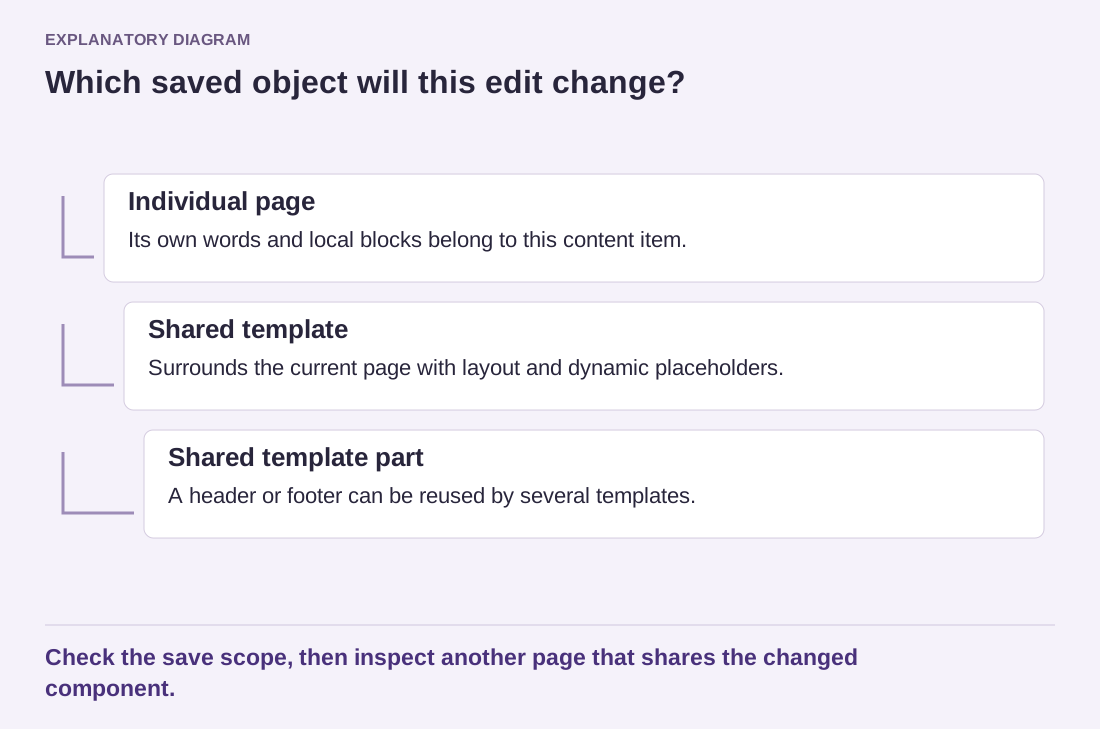
If the same contact section appears on several pages, a synced pattern can keep its wording and address consistent. Use an independent copy when each page needs genuinely different instructions. Remember that a detached copy will not receive later changes to the common source. Record exceptions so an address update does not leave old details behind.
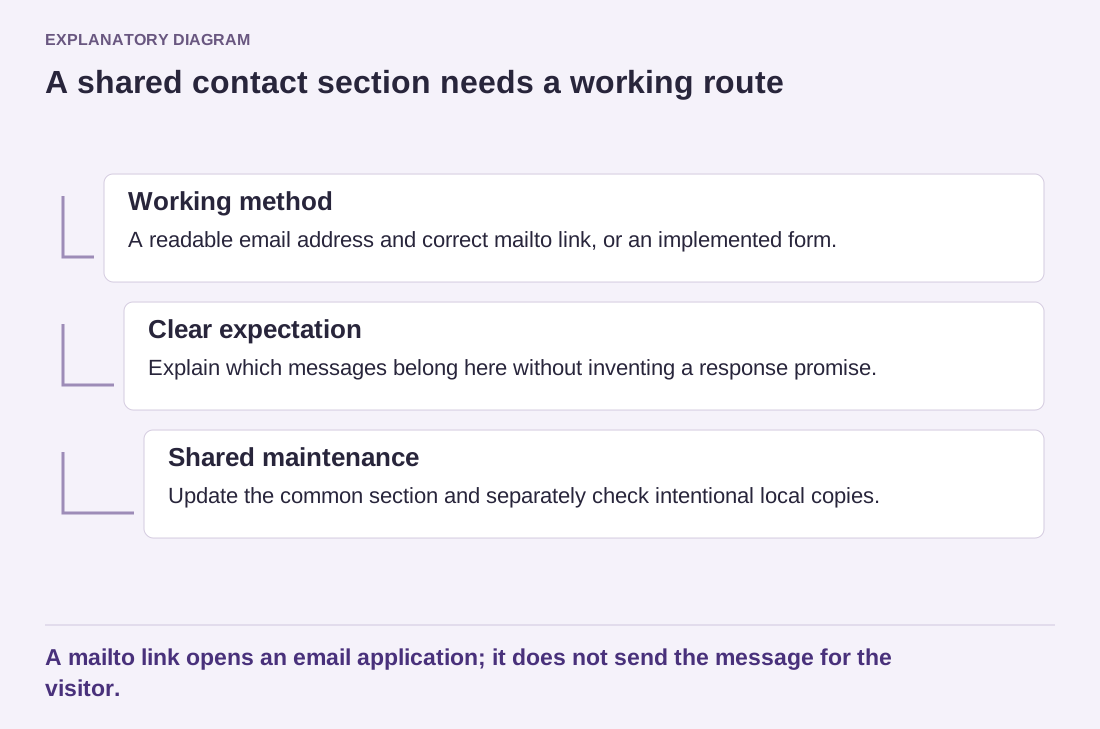
Read the diagram as text
- Working method: A readable email address and correct mailto link, or an implemented form.
- Clear expectation: Explain which messages belong here without inventing a response promise.
- Shared maintenance: Update the common section and separately check intentional local copies.
A mailto link opens an email application; it does not send the message for the visitor.
Keep the section's layout modest. A heading, short explanation and one clear contact method may be enough. Decorative fields that do not submit anywhere are misleading. If you later add a real form, its handling, confirmation and privacy explanation need to match the implemented service rather than merely replacing the email link visually.
Test the section on the public page. Check the spelling of the address, the link destination and keyboard access. On a phone, make sure a long address does not force horizontal scrolling. If the section is shared, inspect more than one location after changing it. The section succeeds when readers understand the next step and can take it, not when it imitates a large company's contact panel.