A successful installation proves very little about a plugin's suitability. The feature may appear in the dashboard and still fail at the point where a visitor submits information or an editor tries to correct a mistake. A small acceptance test gives you a more useful basis for deciding whether to keep it.
Choose one representative task and describe the expected result in ordinary language. For an events extension, an editor might create an event with a start time, location and registration link. A visitor should find those details on a phone without opening the dashboard or guessing the time zone.
Build the test on a separate copy of the site, with invented names and addresses. Keep the same relevant theme and extensions, because an empty installation may conceal a conflict. Protect the test copy and prevent it from sending real customer messages or processing real payments.
Include one inconvenient case
Try a long event title, a missing optional image and a date crossing into the next month. These are ordinary publishing conditions, not extreme attacks. Check that the layout stays readable and that the plugin explains invalid input instead of silently accepting an unusable value.
Repeat the task with the role that will actually perform it. An administrator's successful test does not prove that an editor has the required access. Do not solve a missing permission by making every contributor an administrator; first determine whether the extension supports the intended responsibility.
Observe what happens after saving. Open the public page while logged out, follow its links and inspect any notification at its destination. If the tool stores records, export one and read it outside WordPress. The record should preserve the information you would need if the tool were replaced.
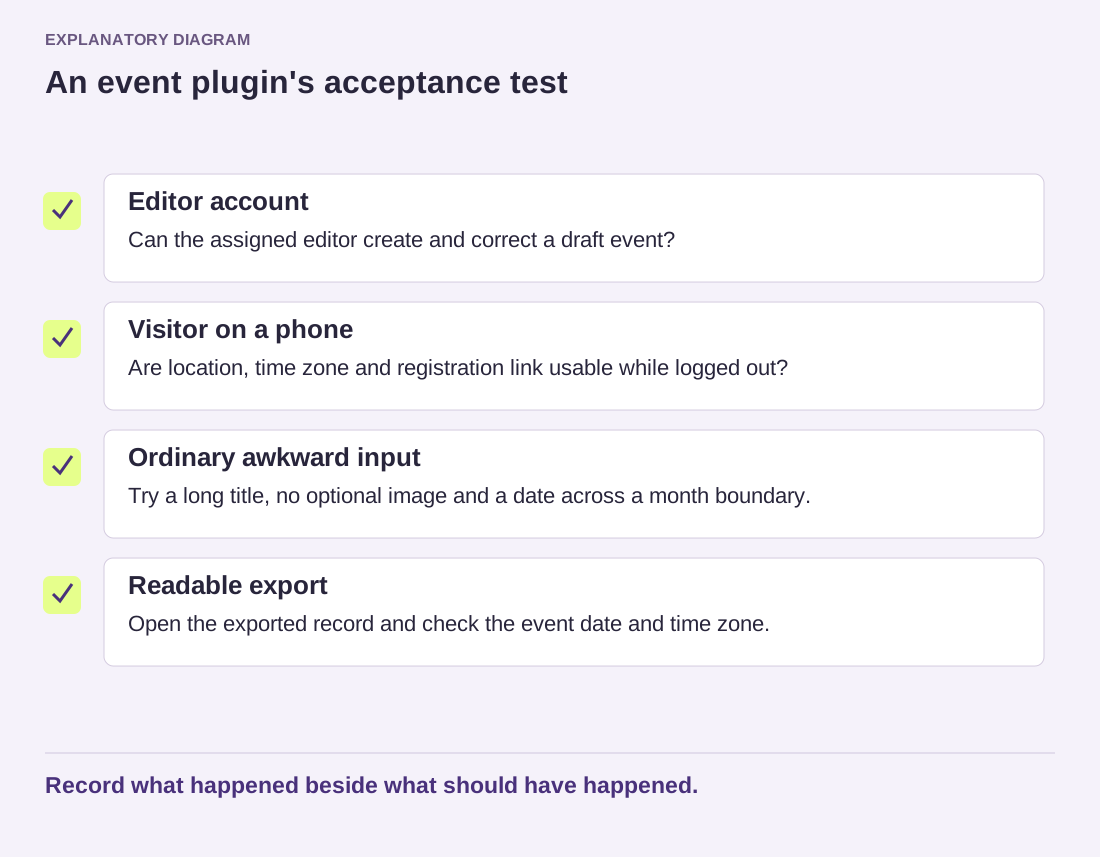
Read the diagram as text
- Editor account: Can the assigned editor create and correct a draft event?
- Visitor on a phone: Are location, time zone and registration link usable while logged out?
- Ordinary awkward input: Try a long title, no optional image and a date across a month boundary.
- Readable export: Open the exported record and check the event date and time zone.
Record what happened beside what should have happened.
Add a simple acceptance record before the trial. One row might say that an editor can create a draft event without publishing it; another that a visitor can open the registration link on a phone. A third can cover exporting the event date without losing its time zone. Mark each as passed, failed or not yet checked, and keep the observed result beside it. This makes tradeoffs visible: you may accept a cosmetic limitation while rejecting a missing export. It also prevents a polished dashboard from outweighing a failure in the task the plugin was meant to perform.
Record the version, relevant settings, expected result and actual result. A short note such as “event timezone remains visible on a narrow screen” is more helpful than “looks good.” Keep unresolved issues separate from accepted limitations. You can then reject the candidate, adjust the workflow or proceed with a specific understanding of what has been checked.