Ten plugins do not automatically make a site worse than five. The more useful question is what each one does. Problems become difficult to understand when two tools both rewrite the same output, intercept the same request or claim responsibility for the same setting.
Consider a site with an SEO suite and a separate sitemap extension. Both may be useful products, but the owner needs to know which sitemap is intended for search engines and whether both remain active. The same ownership problem can appear with redirects, image processing, spam filtering or injected analytics scripts.
Make an inventory by function rather than product name. A large suite may contain several modules, only some of which you use. Record the feature, the tool that supplies it and the place where it can be disabled. Do not remove an entire suite merely because one module overlaps with a smaller extension.
Choose one owner for each output
Start with a visible example. If two tools generate social sharing metadata, inspect the delivered page and find out which tags each produces. Decide which tool should own that task, then disable the overlapping feature in the other tool on a test copy. Check the page again. Guessing from dashboard labels can miss output inserted elsewhere.
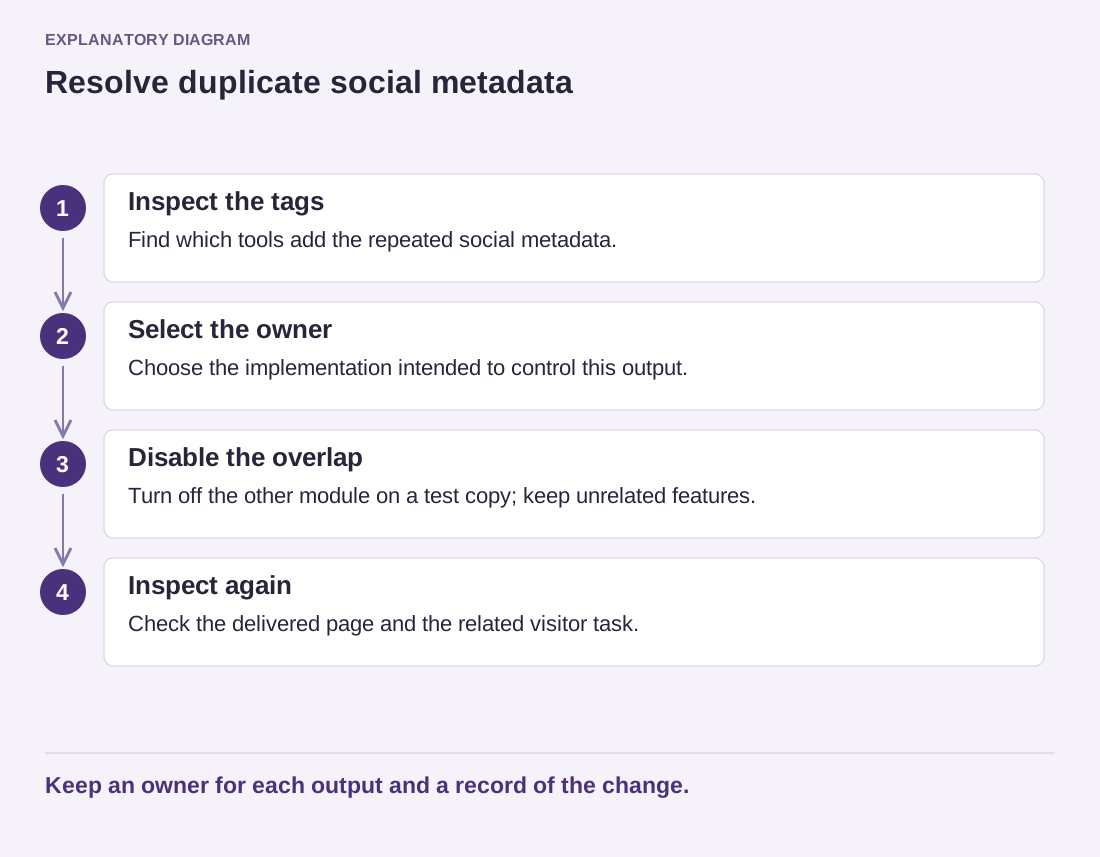
Read the diagram as text
- Inspect the tags: Find which tools add the repeated social metadata.
- Select the owner: Choose the implementation intended to control this output.
- Disable the overlap: Turn off the other module on a test copy; keep unrelated features.
- Inspect again: Check the delivered page and the related visitor task.
Keep an owner for each output and a record of the change.
For a contact form, overlapping spam controls may be intentional, but each layer still needs a purpose. A hidden-field check and an external filtering service are different mechanisms. If legitimate submissions disappear, you need enough information to identify the layer responsible rather than adding a third filter.
Keep the change reversible. Record the previous settings and preserve data before removing a plugin. Deactivation and deletion are separate operations, and a product may perform cleanup when it is deleted. Check its documentation before assuming that a later reinstall will restore every setting.
After simplifying one responsibility, test the related visitor journey. Open the page logged out, submit the form or follow the redirect as appropriate. Keep the result in the inventory. The goal is not an impressive low plugin count; it is a site where each important behavior has a known owner and a clear place to investigate when something changes.