A starter pattern is a proposal for arranging content, not a requirement to invent material for every placeholder. Begin by asking what the section should accomplish on your site. If a three-column pattern contains only two meaningful ideas, remove the unnecessary column or choose a different arrangement instead of writing filler to preserve symmetry.
Replace demonstration text with real wording early. A short sample heading can make a layout look effortless, while your actual title may wrap across several lines. The same applies to buttons and captions. Testing with realistic content before fine styling prevents a polished shell from collapsing when the final copy arrives.
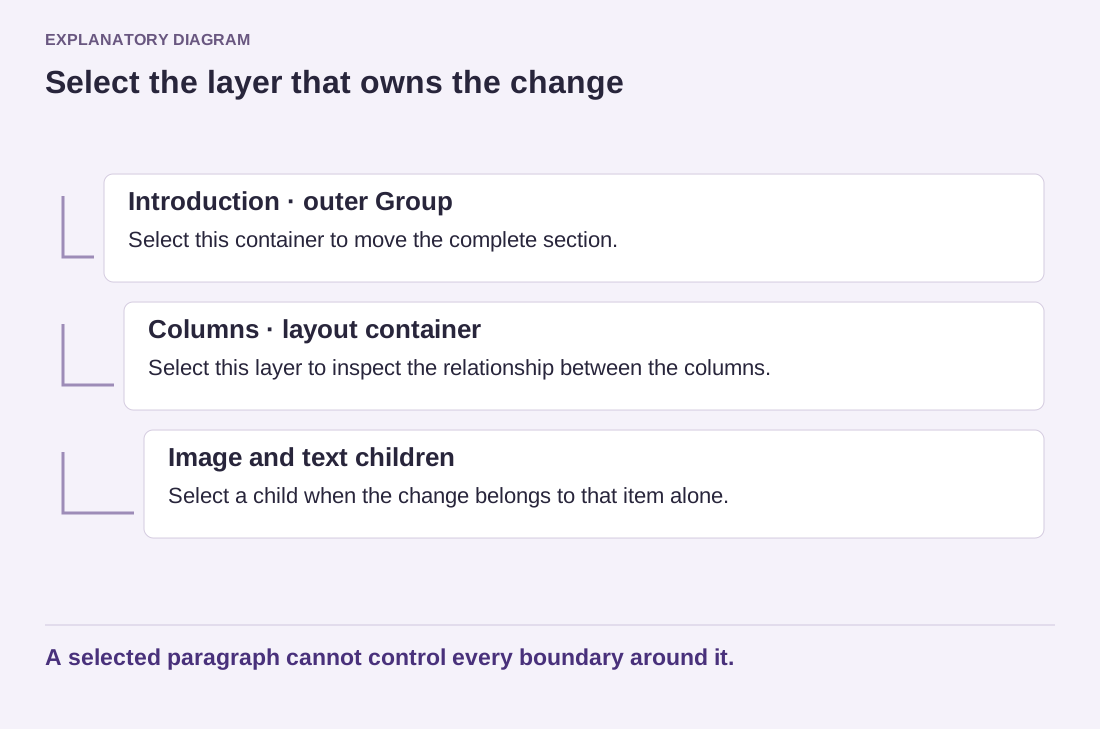
Inspect the block structure in List View. Patterns can contain nested Groups, Columns, buttons and image blocks. Identify which container controls the section's background and spacing before changing individual children. Remove unused blocks deliberately; an empty button or a leftover heading can remain in the public page even when it is easy to overlook in the editor.
Replace more than the visible words
Check every link destination, image description and placeholder address. A button may still point to the demonstration page after its label has changed. An image can retain alternative text describing a different subject. These small remnants make the section misleading even when the visible text looks complete.
Review any externally referenced images. If you intend to keep an image, confirm the permitted use and bring it into the site's managed media workflow when appropriate. For your own project, relevant original assets are usually easier to maintain than relying on a demonstration's remote image remaining available indefinitely.
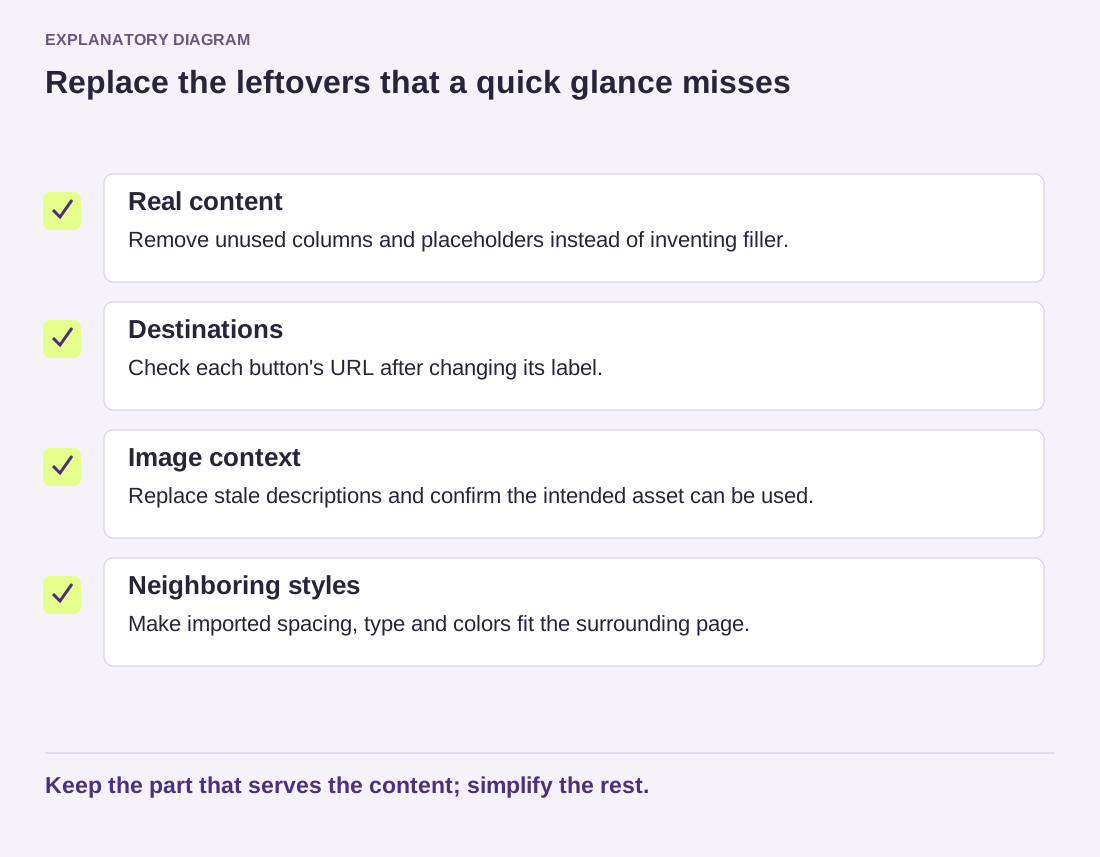
Read the diagram as text
- Real content: Remove unused columns and placeholders instead of inventing filler.
- Destinations: Check each button's URL after changing its label.
- Image context: Replace stale descriptions and confirm the intended asset can be used.
- Neighboring styles: Make imported spacing, type and colors fit the surrounding page.
Keep the part that serves the content; simplify the rest.
Finally, compare the section with its neighbors. A pattern may bring its own typography, spacing or color assumptions that do not fit the rest of the page. Adjust those relationships rather than treating each imported section as a separate miniature website. Keep what solves the content problem and simplify what does not. The best adaptation feels like part of the page because its purpose and wording belong there, not because the original pattern was preserved exactly.