Alternative text and a caption answer different needs. Alternative text communicates the image's purpose when the image cannot be seen. A caption is visible text that accompanies it. Copying the same long sentence into both fields can make the experience repetitive without improving the explanation.
Start with the image's role in this particular location. A photograph illustrating a specific tool may need a concise description of the relevant feature. A decorative flourish may need no spoken description. A linked image can require text that communicates the destination or purpose of the link. Context matters more than producing a universal description for the file.
A purely decorative image and an informative image can be visually identical. A leaf photograph beside a botanical identification guide may carry important distinguishing detail. The same photograph used as a background flourish behind an unrelated notice may add no information. That is why a library-wide description cannot always settle every use. Ask what the reader would lose if this image were absent in this location. The answer helps decide whether to describe a feature, explain a function or leave a decorative image unannounced.
For example, a photograph of two cable connectors in a comparison article should identify the difference being discussed. Describing the desk color and background plants may miss the point. If the comparison depends on fine visual details, explain those details in the surrounding article as well. Alternative text should not become the only place where essential technical information is available.
Use captions when readers need visible context: what is shown, why it matters or a qualification about the illustration. A caption can clarify that a diagram is conceptual or that a photograph shows one possible arrangement. Do not add a caption simply to repeat the nearby heading without contributing anything new.
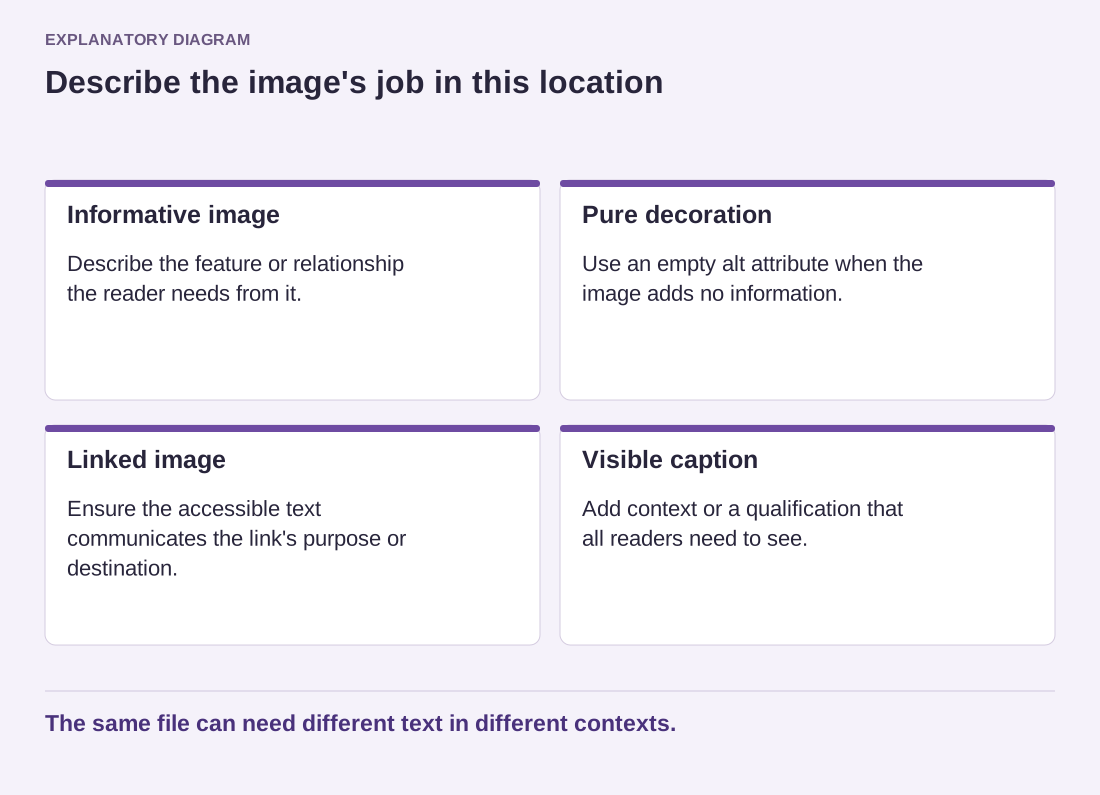
Read the diagram as text
- Informative image: Describe the feature or relationship the reader needs from it.
- Pure decoration: Use an empty alt attribute when the image adds no information.
- Linked image: Ensure the accessible text communicates the link's purpose or destination.
- Visible caption: Add context or a qualification that all readers need to see.
The same file can need different text in different contexts.
WordPress stores media information in the library, while individual inserted blocks can retain their own text. After changing the library's alternative text, inspect existing uses rather than assuming every old block updated. Also check newly inserted images, especially when they reuse a file in a different context from its original purpose.
Before publishing, read the nearby paragraph, alternative text and caption together. Remove redundant descriptions and correct any wording left from a replaced image. A filename, a keyword list or the phrase image of rarely tells the reader enough by itself. The best choice is the shortest description that performs the image's actual job, with fuller explanation kept in the article where everyone can use it.