A gallery can tell a sequence or present a set of related views. Decide which job it has before choosing the number of columns. A collection of process photographs needs a different order from a portfolio of independent projects. The arrangement should help readers understand the relationship, not merely fit every image into equal rectangles.
For a process, put the images in the order someone needs to understand the change. Keep essential instructions in nearby text rather than assuming the photographs explain every step. If a stage is missing, acknowledge the gap or add the explanation. A visually smooth gallery should not imply a complete tutorial when it only illustrates selected moments.
For a set of independent views, choose a consistent selection principle. You might show a room from three angles or several details of one object. Remove near-duplicates that do not add information. More photographs can make the sequence harder to follow when readers cannot see why one view differs from the next.
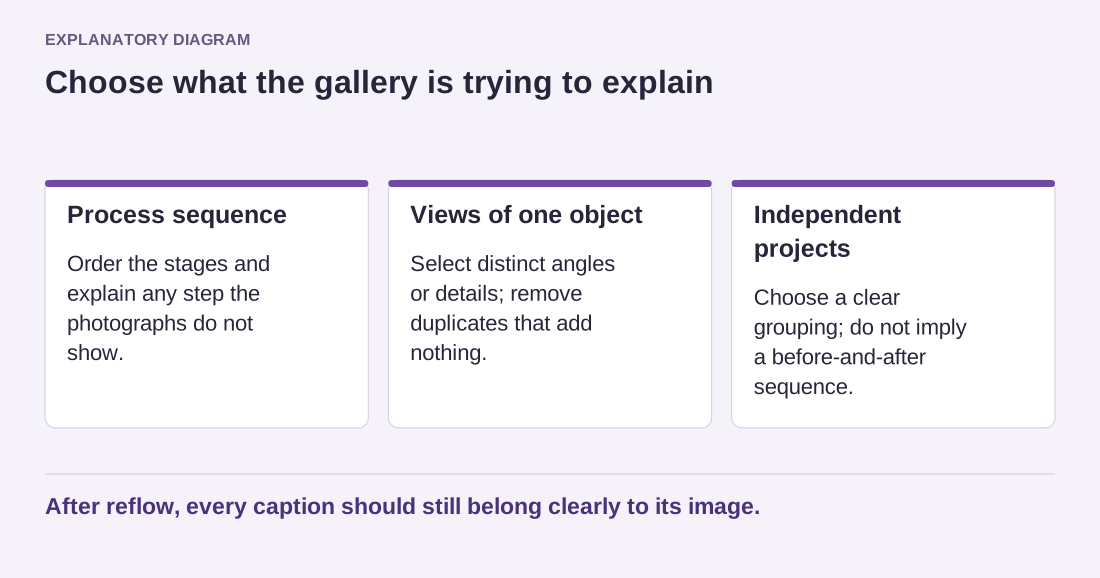
Read the diagram as text
- Process sequence: Order the stages and explain any step the photographs do not show.
- Views of one object: Select distinct angles or details; remove duplicates that add nothing.
- Independent projects: Choose a clear grouping; do not imply a before-and-after sequence.
After reflow, every caption should still belong clearly to its image.
Check the Gallery block's cropping and column settings in the active theme. A uniform grid may crop important edges, while original proportions can create a more varied rhythm. Neither choice is always correct. Preview the actual images and ensure that the layout does not remove the feature the caption discusses.
Use captions for distinctions readers need. A short note identifying the rear connection or the final painted surface can be useful. Repeating the same generic caption under every photograph adds noise. Alternative text has a separate purpose and should reflect each image's role rather than copying filenames from the source folder.
On a phone, inspect the sequence after the gallery reflows. Confirm that captions stay associated with their images and that any enlargement behavior is usable. Lightbox options depend on the version, block and theme configuration; do not promise an interaction until it is enabled and checked. A gallery is ready when its order and explanations remain understandable outside the wide editing canvas.