After pressing Send, a visitor needs to know whether another action is required. A vague “Success!” answers very little. A useful confirmation identifies what the website accepted and explains the next step without promising work that has not happened.
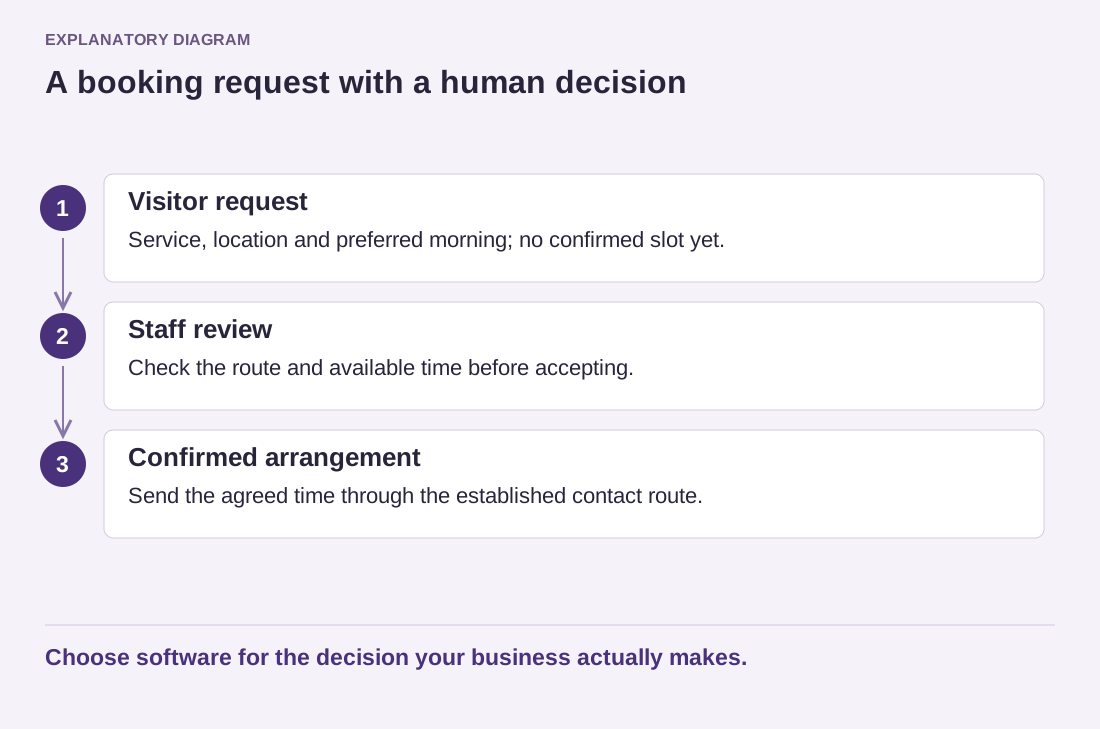
For an enquiry form, “Your enquiry has been submitted” may be more accurate than “Your appointment is confirmed.” The second sentence is appropriate only when the booking system has actually reserved the slot. A request awaiting approval should remain a request in the message shown to the visitor.
Match the wording to the real workflow. If someone reviews messages during business hours, say so only when that is the established practice. Do not invent a two-hour reply promise because it sounds reassuring. If an automatic email is sent, explain what it contains rather than implying that a person has already read the enquiry.
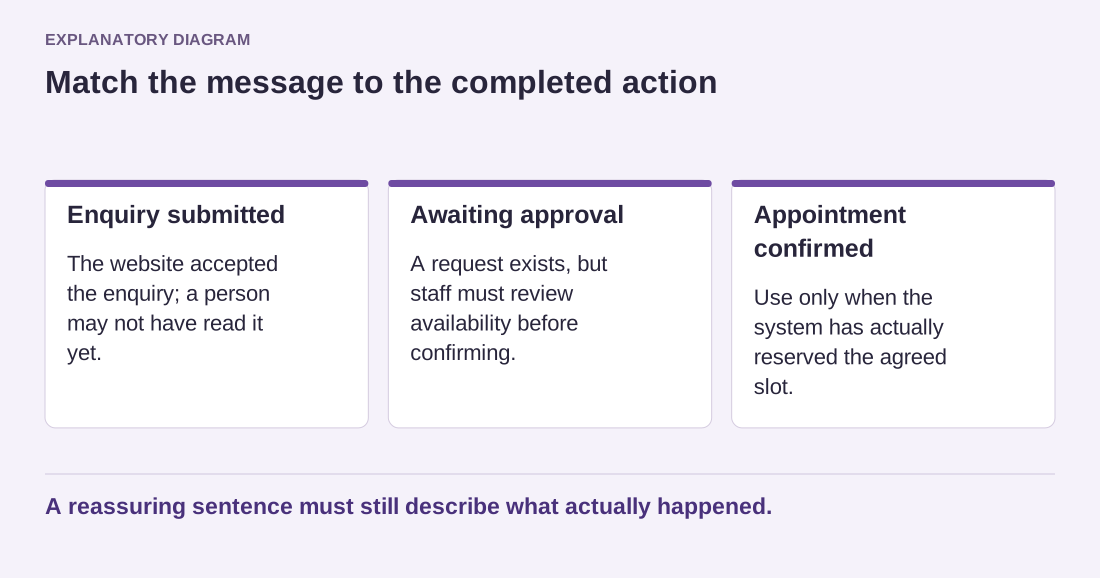
Read the diagram as text
- Enquiry submitted: The website accepted the enquiry; a person may not have read it yet.
- Awaiting approval: A request exists, but staff must review availability before confirming.
- Appointment confirmed: Use only when the system has actually reserved the agreed slot.
A reassuring sentence must still describe what actually happened.
A confirmation can repeat a harmless reference number when the system provides one. Avoid reflecting unnecessary private information onto the page, especially on a shared device. Do not include a full sensitive message merely to demonstrate that the form received it.
Make the message visible and understandable on a phone. It should appear near the form or on a clear destination page, with accessible announcement behavior provided by the form implementation. A color change alone is not enough. Test what keyboard users encounter after submission and whether errors remain easy to correct.
Consider duplicate submissions. If sending takes time, the interface should indicate progress without leaving the visitor guessing. The server-side workflow must still handle repeated requests appropriately; disabling a button is not a complete guarantee against duplicates.
Read the confirmation alongside the failure message. They should describe genuinely different outcomes. Never show the success text when a required action failed simply to avoid an alarming screen. Finally, submit a realistic test and follow every instruction in the response. If the promised email, reference or next page does not exist, change the workflow or the wording before publishing.