Deactivating a normal WordPress plugin stops WordPress from loading it as an active extension. Deleting it removes its plugin files and may also trigger an uninstall routine. Those are different operations, so a temporary investigation should not begin with the assumption that Delete is simply a tidier version of Deactivate.
Start by finding what depends on the plugin. Its output may appear in a shortcode, a custom block, a widget area or a form embedded in several pages. It may also provide background work that is not visible on the homepage, such as sending notifications or connecting another service.
On a test copy, deactivate it and inspect the relevant pages. A shortcode may become visible as text. A custom block may retain some saved output but lose editing or interactive behavior. The result depends on the plugin and how the content was stored; do not assume that every extension leaves the same kind of trace.
Read the uninstall behavior
Look for documentation about removing data. Some products keep their options so that reinstalling restores the setup. Others provide a setting to erase records during uninstall. Some may remove tables automatically. Export anything you need and take a suitable backup before relying on a particular behavior.
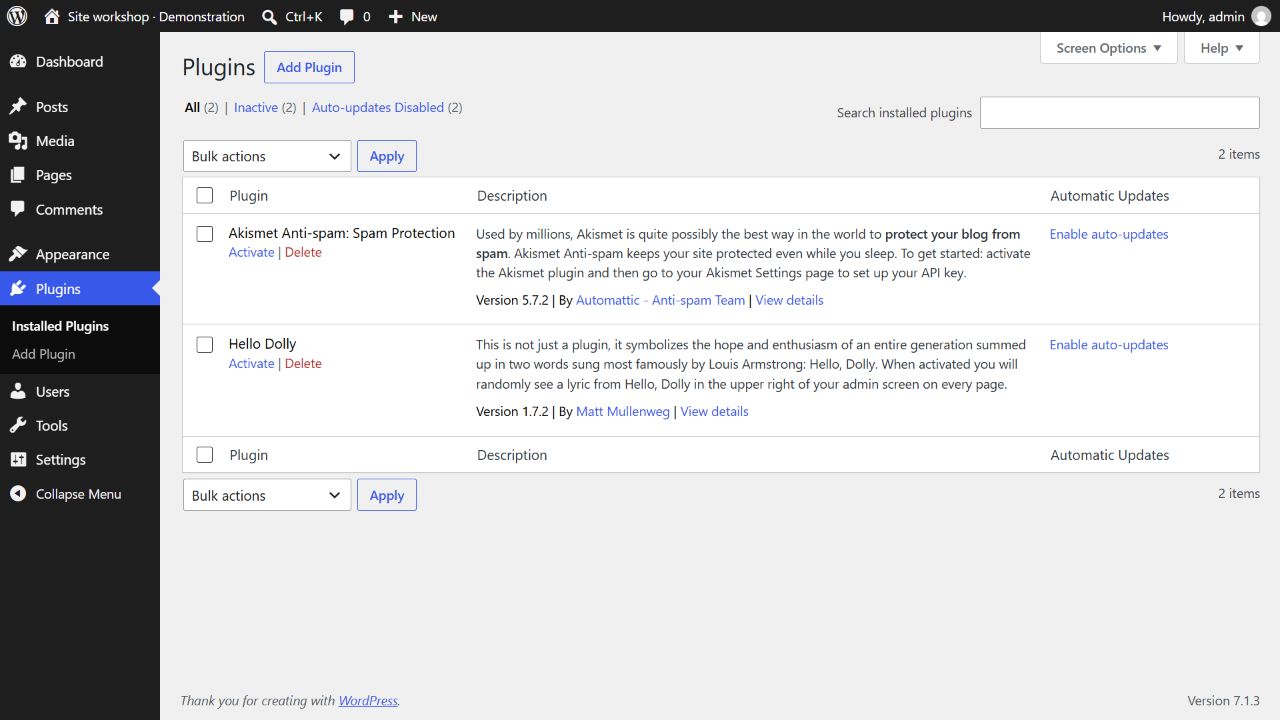
If you are replacing the feature, test the replacement before deleting the old data. For a form, that means checking field labels, delivery, stored entries and any page that embeds it. Keeping two active systems indefinitely is not necessary, but deleting the only readable record of the old configuration too early can create avoidable work.
Remember that must-use plugins and host-managed extensions are handled differently from ordinary plugins. An item absent from the normal active list is not necessarily absent from the installation. Ask the hosting provider about components it manages rather than removing unfamiliar server files.
Once the dependency check is complete, remove unused software deliberately and record what replaced it. Revisit the public pages after clearing relevant caches. The useful end state is a site without abandoned code or broken content, with the information you intended to keep safely preserved elsewhere.