A Cover block combines a background image or color with foreground content. Its appeal is immediate, but the text still needs to survive the photograph behind it. Choose the image and wording together. A picture with a quiet area for text is often easier to use than a visually busy photograph that requires a very heavy overlay.
Begin with the actual headline, not a short placeholder. Place it where the subject remains visible and the background offers enough contrast. Check the entire line, because a title can cross both dark and light areas of one photograph. A color that works over the sky may disappear over a building lower in the frame.
The block's overlay and image-position controls can help, where supported. Adjust them to create readable contrast without pretending that the image is merely decoration when it conveys important information. If you darken the picture so much that its purpose disappears, another layout may serve the content better.
Watch what the crop does
The background can be cropped differently as the container changes shape. Inspect a phone view and a wide desktop view. Keep faces, products and other important subjects away from positions that are easily lost. Setting a focal point can help direct the crop, but it does not guarantee that every part of the image will remain visible at every proportion.
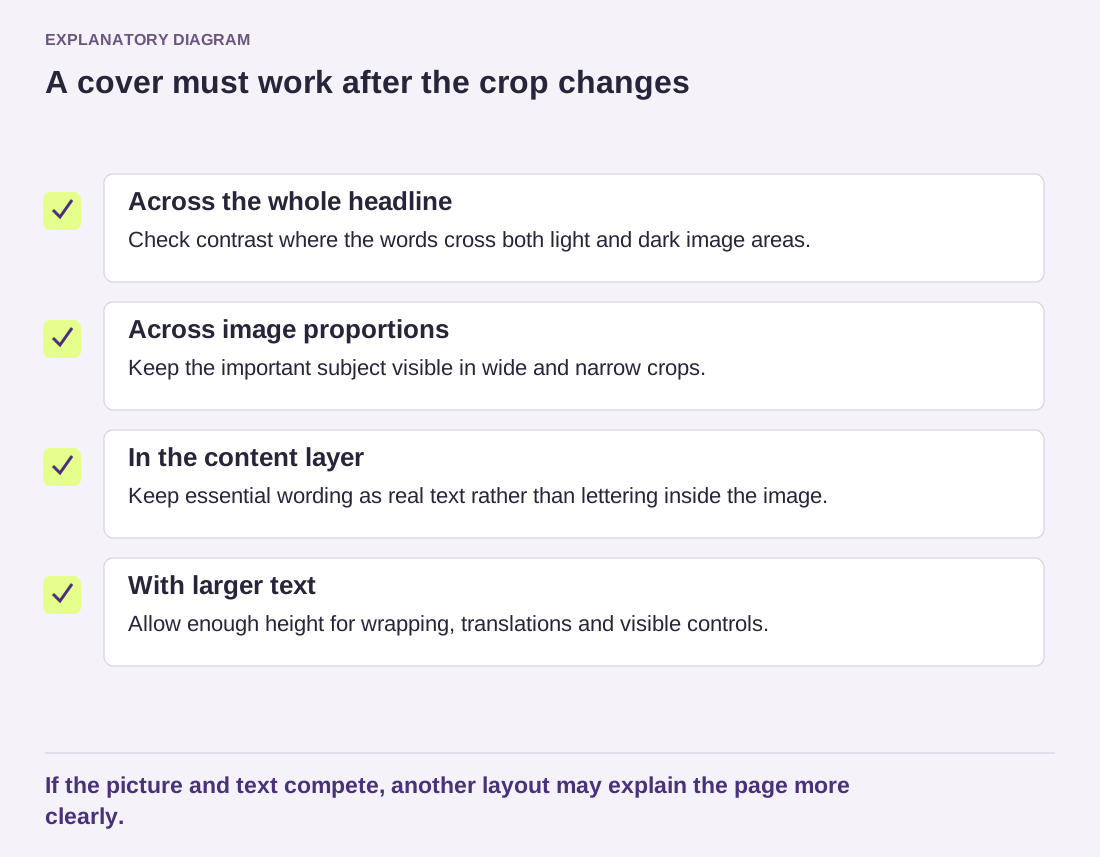
Read the diagram as text
- Across the whole headline: Check contrast where the words cross both light and dark image areas.
- Across image proportions: Keep the important subject visible in wide and narrow crops.
- In the content layer: Keep essential wording as real text rather than lettering inside the image.
- With larger text: Allow enough height for wrapping, translations and visible controls.
If the picture and text compete, another layout may explain the page more clearly.
Avoid putting essential instructions inside the image file itself. Real text can wrap, scale and remain available to assistive technology more reliably. A button over the cover should have a clear destination and enough separation from the headline. Do not turn the whole composition into a confusing collection of overlapping links.
Test enlarged text and a longer translation if the site is multilingual. Fixed heights can clip the message or push controls out of the visible area. Allow the content enough room to determine the section's height where possible. A successful cover introduces the page without making visitors struggle to read the very words intended to welcome them.