The useful question after a PHP change is not simply whether WordPress supports that version. Your installation also runs themes, plugins and possibly code added specifically for the site. Compatibility has to include the work those components actually perform. A homepage that loads does not establish that an import, booking or scheduled task still works.
Write down the previous PHP version, the new version and when the host changed it. Include the site or subdomain affected. Hosting accounts can assign different PHP versions to different sites, and a command-line process may use a different runtime from web requests. Ask the host to confirm the environment that handled the failing request rather than relying on a screenshot from an unrelated settings panel.
Find the first useful error
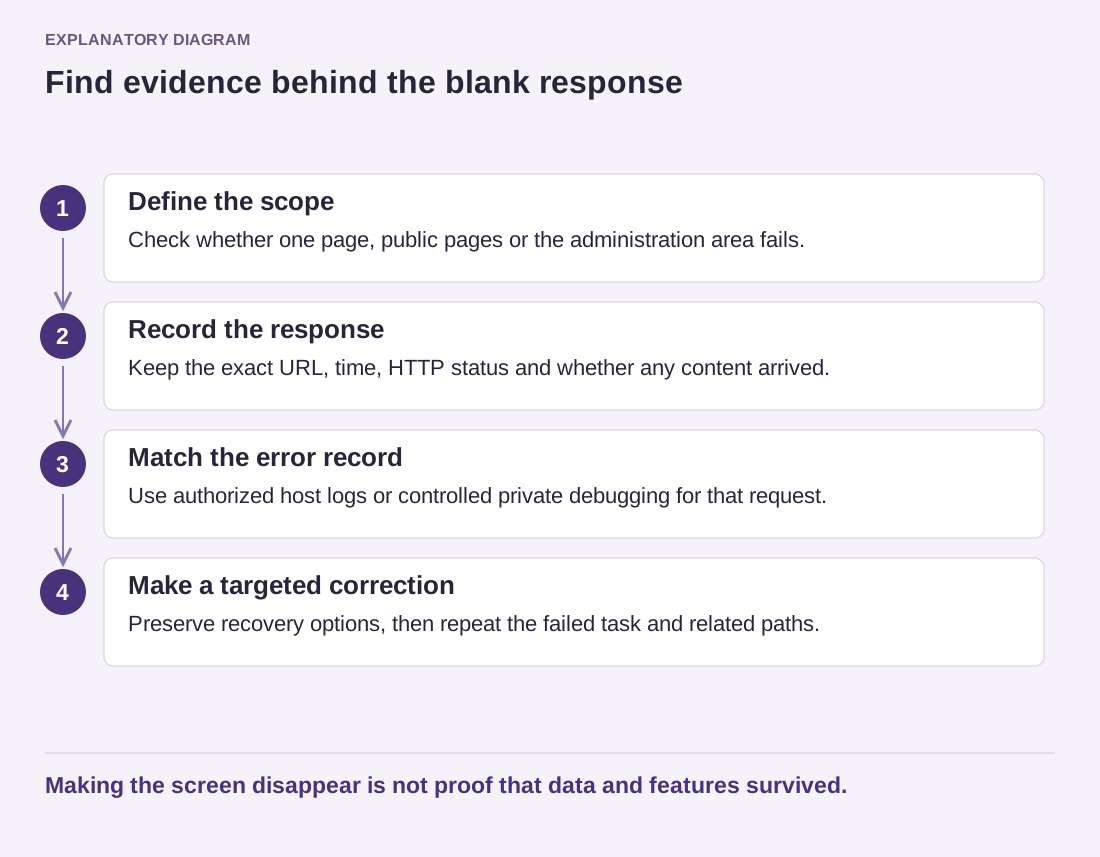
Record the action that failed and its time, including the time zone. Ask for the corresponding server or PHP error entry. A fatal error can stop execution; a notice or deprecation message has a different meaning. Do not assume every message near the failure explains it. Preserve the component name and error wording while removing account paths, credentials or personal data before sharing it publicly.
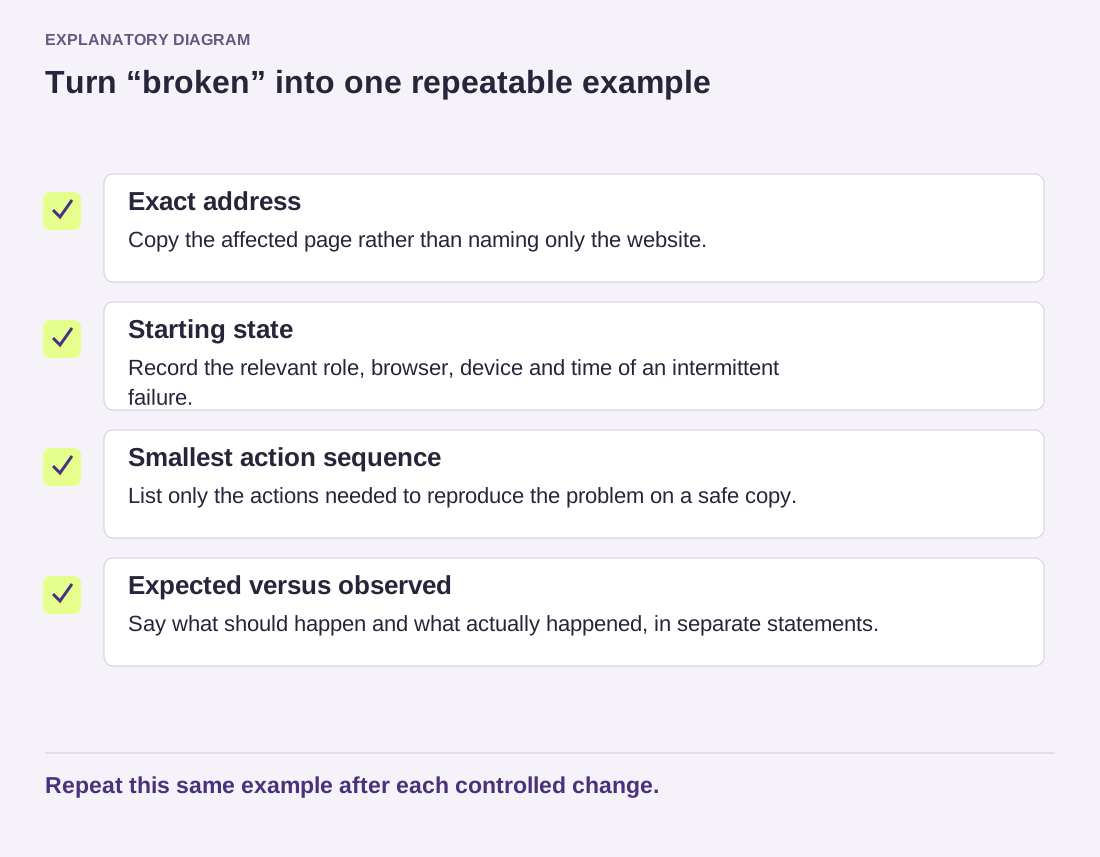
Consider an image import that stops after the runtime change while ordinary pages remain available. That is a narrower report than “the site is broken.” Note whether it happens with every import or only one file, and whether the same file worked before. The comparison gives the host or plugin maintainer something reproducible instead of requiring them to guess which operation you meant.
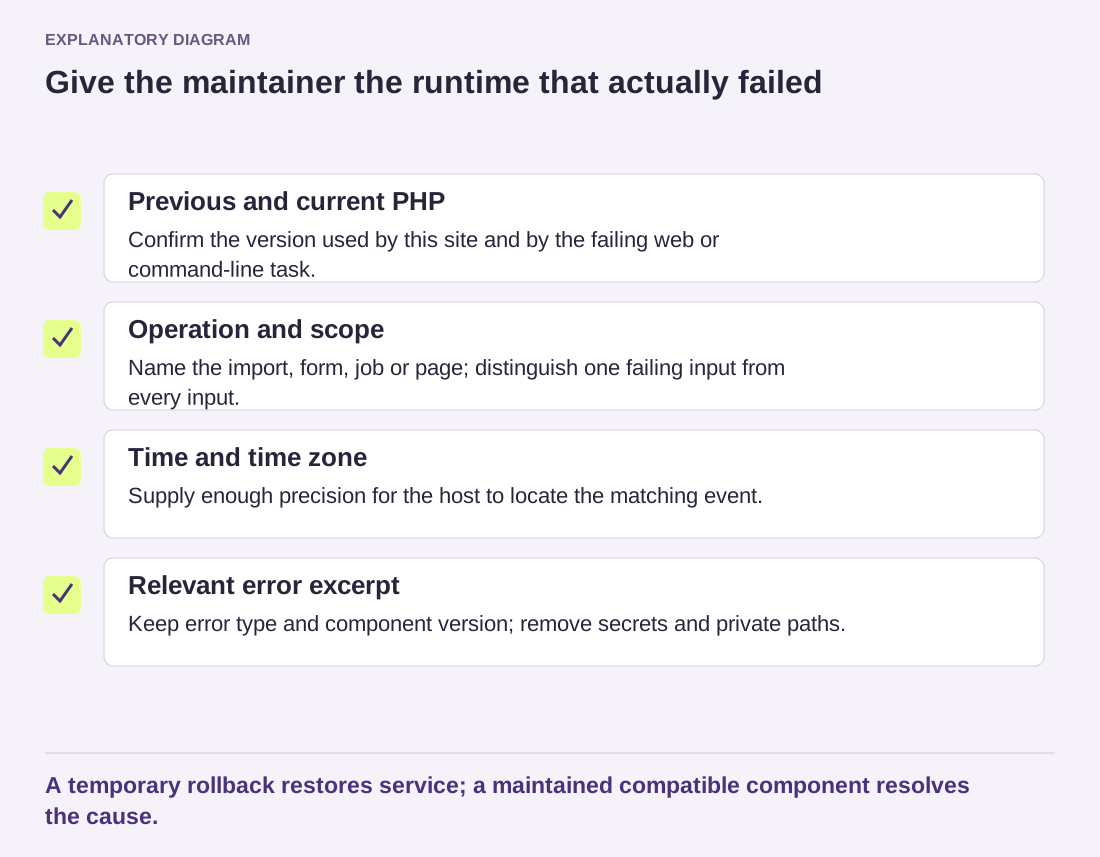
Read the diagram as text
- Previous and current PHP: Confirm the version used by this site and by the failing web or command-line task.
- Operation and scope: Name the import, form, job or page; distinguish one failing input from every input.
- Time and time zone: Supply enough precision for the host to locate the matching event.
- Relevant error excerpt: Keep error type and component version; remove secrets and private paths.
A temporary rollback restores service; a maintained compatible component resolves the cause.
Separate recovery from the permanent solution
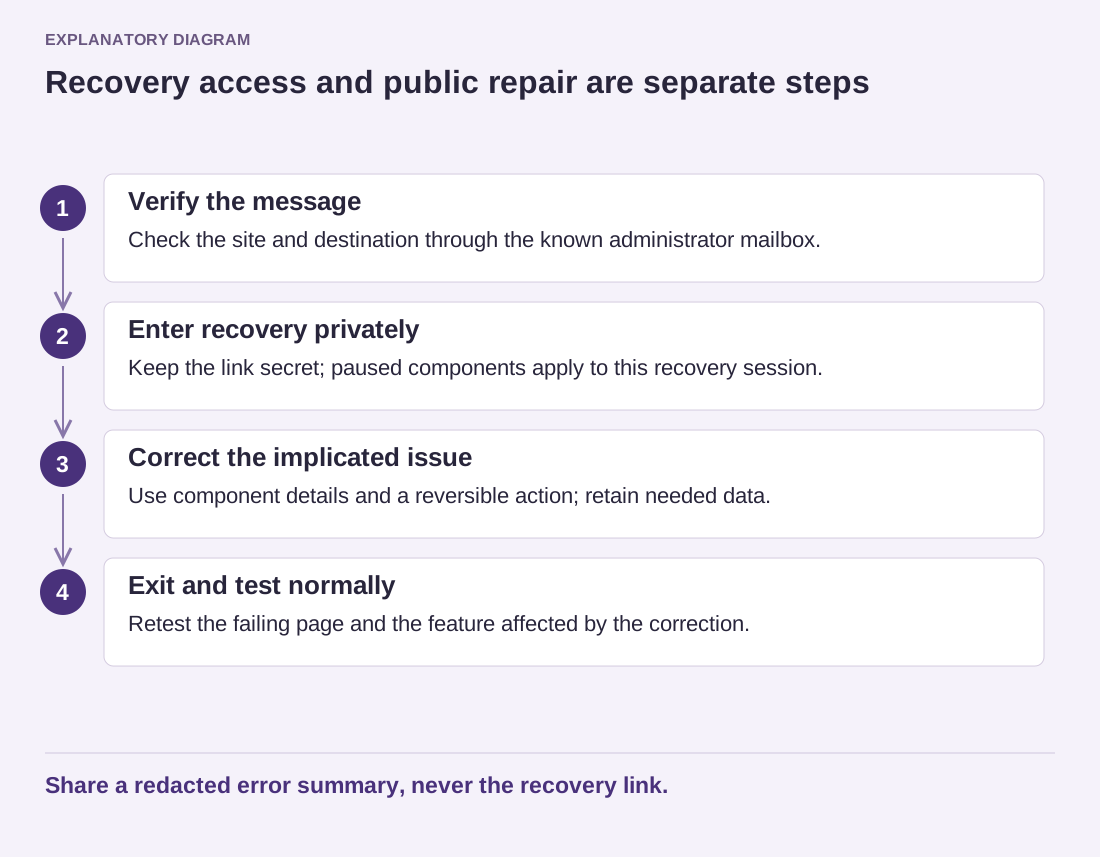
A temporary return to the previous runtime may restore service, but discuss it with the host. The older version must not become an indefinite hiding place for an unresolved compatibility issue, especially if it is no longer supported. Record who will update or replace the affected component and when the newer environment will be tested again.
On a staging copy, test a maintained version of the suspect component with the intended PHP version. Check both the original failure and another important site task. If a custom integration is involved, send its maintainer the exact error and runtime details. A general compatibility checker can guide investigation, but it cannot guarantee that every execution path will succeed.
Once the repair is ready, arrange the production change with a backup and a defined recovery route. Confirm which PHP version the live site is actually using afterward. Keep the short incident note: the failing operation, the confirmed cause, the corrected component and the final runtime. Those four details are more useful next time than a folder full of unlabelled screenshots.