Three settings changed on Tuesday. On Thursday, someone notices that the menu sometimes stops responding. Nobody remembers whether the delay option was already enabled or whether it arrived with the new cache preset. The site now has two problems: an unreliable menu and an unclear history.
A change log does not need to become a second project. One dated entry for each experiment is enough to connect the reason, the action and the outcome. Put it somewhere the next maintainer can find, beside the site's existing project notes rather than in a private message thread.
Name the problem before the setting
Start with a sentence such as: the first article image arrives late on the selected mobile test. Then describe the hypothesis: its downloaded file may be unnecessarily large. This is more helpful than writing image optimization, because it tells you what would count as a relevant improvement.
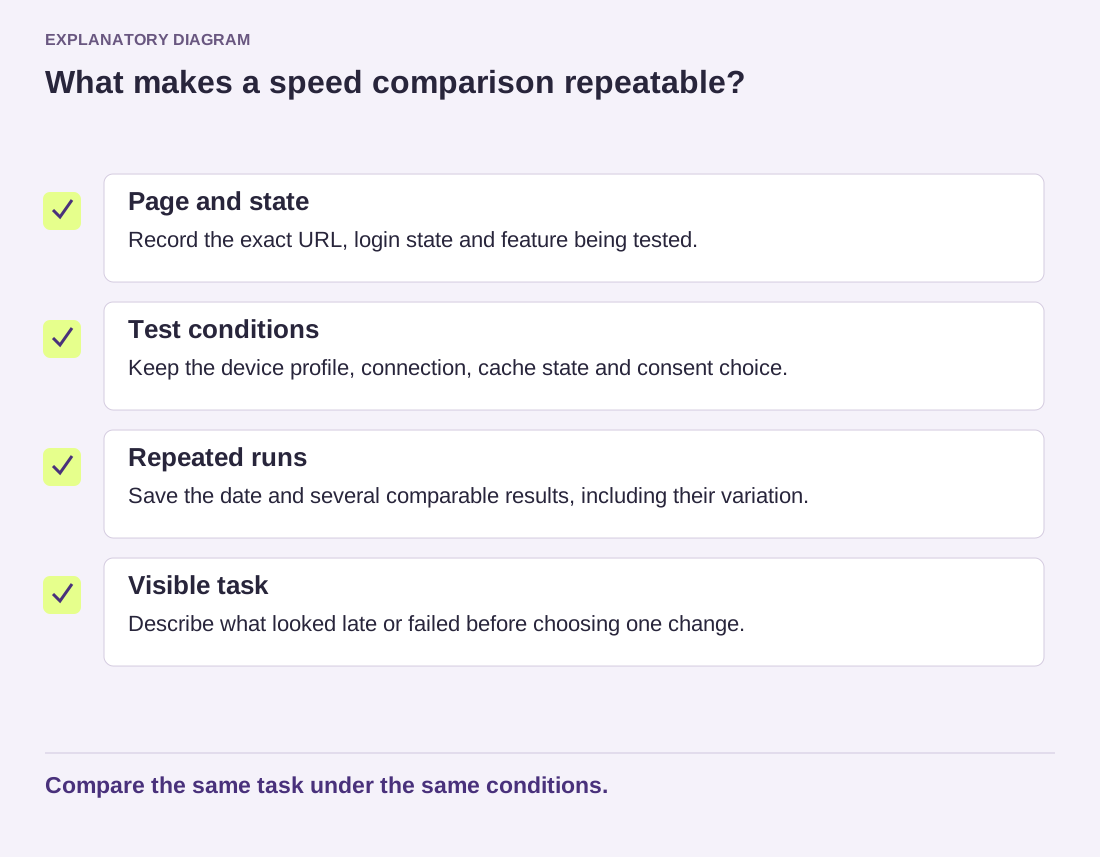
Record the page, test conditions and a small set of earlier measurements. Lighthouse documentation notes that changing conditions can move performance results. Keep enough context to distinguish a changed page from a different test environment; do not treat a single higher score as the whole result.
Next, describe the exact change in ordinary language. For example, say that you replaced one article's opening photograph with a smaller exported file and updated that page to use it. Keep the original file or a recoverable reference. If you changed an option, record its previous and new values rather than relying on a screenshot that hides the surrounding settings.
Leave room for an unhelpful result
After testing, record what happened even if the answer is disappointing. Perhaps the transfer became smaller but the opening image still appeared at the same point. That is useful evidence. It narrows the investigation and prevents someone from repeating the same experiment next month because the unsuccessful attempt vanished from memory.
Include a short functional check. An image change might require checking sharpness and cropping. A script-loading change calls for testing navigation, search and any affected forms. The log should say which tasks you actually tried; a vague all fine makes it difficult to tell what was covered.
Finish the entry with a decision: kept, reverted or still under observation. If you revert, restore only the changes belonging to that experiment and confirm that later edits remain intact. A whole-site restore can be a much larger action than replacing one file or returning one setting to its earlier value.
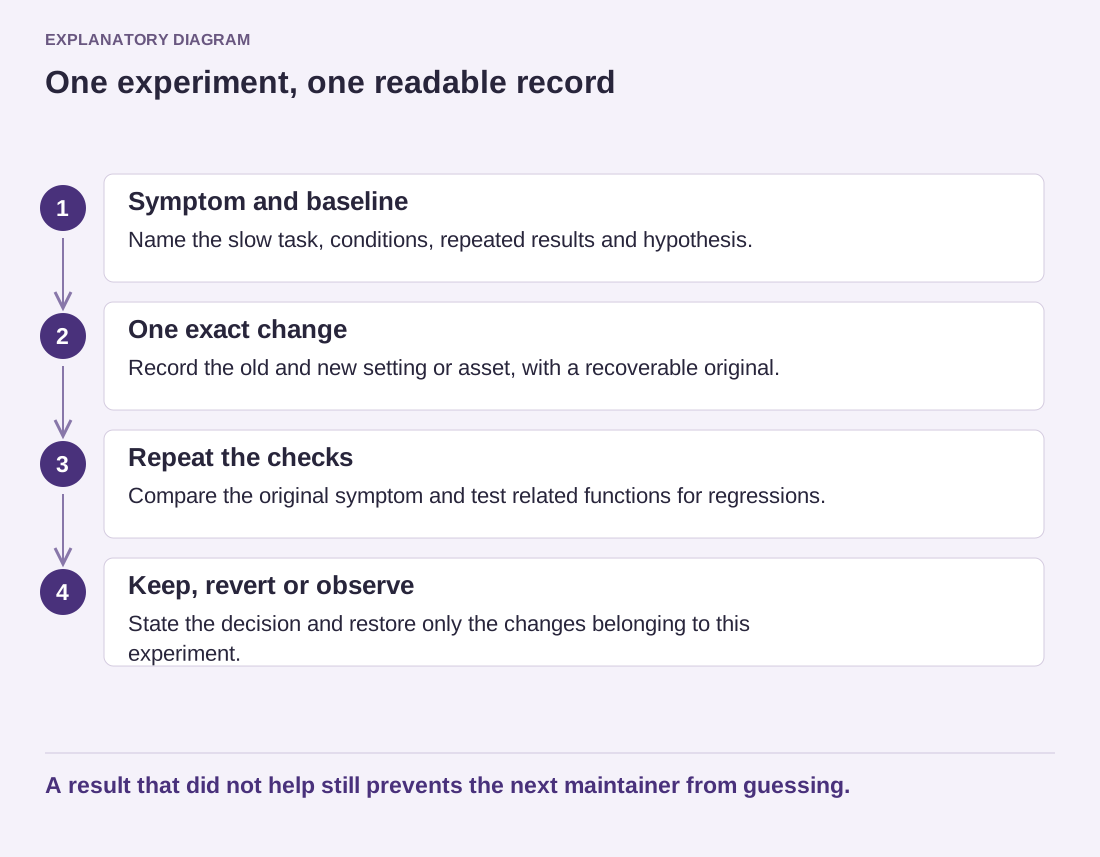
Read the diagram as text
- Symptom and baseline: Name the slow task, conditions, repeated results and hypothesis.
- One exact change: Record the old and new setting or asset, with a recoverable original.
- Repeat the checks: Compare the original symptom and test related functions for regressions.
- Keep, revert or observe: State the decision and restore only the changes belonging to this experiment.
A result that did not help still prevents the next maintainer from guessing.
You now have a compact explanation that survives a handover. It shows why the change happened, what evidence supported it and how to revisit the decision. That is enough; a page of honest notes is more useful than a polished chart with no record of how it was produced.