The email address attached to an administrator account is part of its recovery path. If it belongs to a former contractor, an abandoned mailbox or a domain about to expire, a forgotten password can become a much larger access problem.
Review the address in the relevant user profile and confirm who controls that mailbox. Do not confuse it with every other email setting on the site. WordPress can have an administration email, individual user addresses and plugin notification destinations serving different purposes.
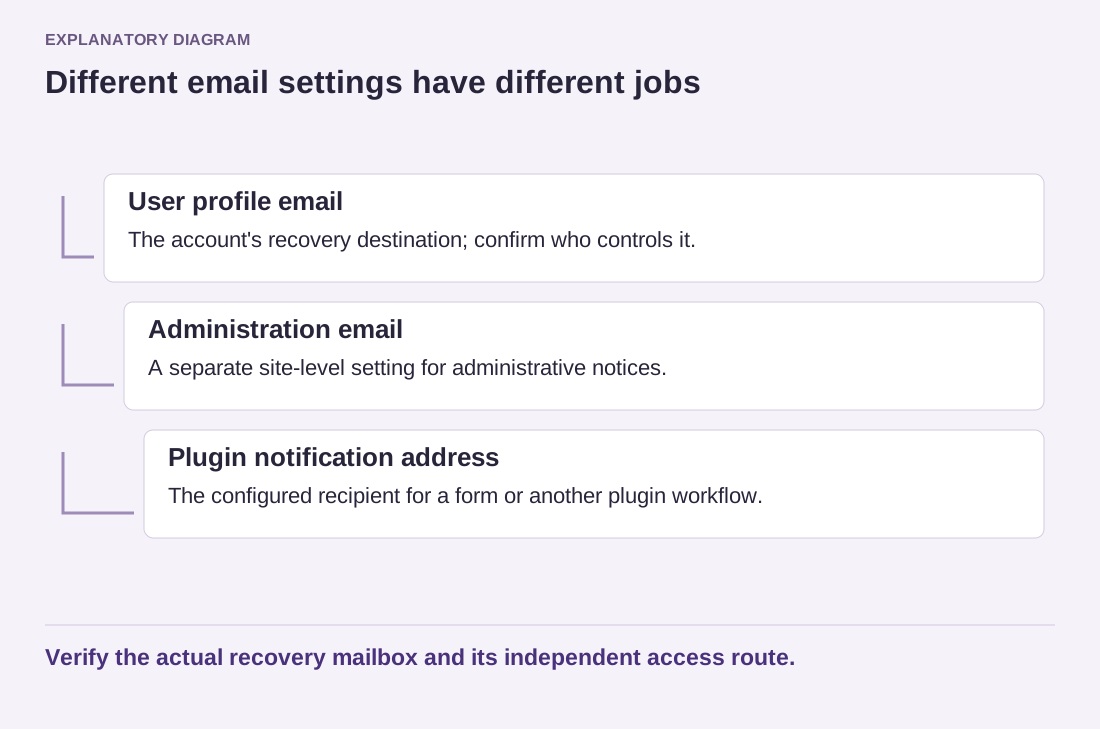
Read the diagram as text
- User profile email: The account's recovery destination; confirm who controls it.
- Administration email: A separate site-level setting for administrative notices.
- Plugin notification address: The configured recipient for a form or another plugin workflow.
Verify the actual recovery mailbox and its independent access route.
Use an address that remains available to the authorized owner. If the mailbox depends on the same hosting account as the website, consider what happens during an outage affecting both. The appropriate arrangement depends on the organization, but the dependency should be understood rather than discovered during recovery.
Follow the normal password-reset process in a controlled check, keeping a working authorized session available until the result is understood. Confirm that the message arrives and that the link points to the expected site. Do not send reset messages repeatedly to addresses you do not control.
If mail does not arrive, investigate delivery before treating the account as recoverable. Check the intended inbox and spam folder, then involve the hosting or mail provider as needed. A form email working elsewhere does not prove that this particular recovery message reaches this particular mailbox.
Protect the mailbox itself with suitable authentication and recovery arrangements. Someone who controls it may be able to reset connected accounts. Keep passwords unique and stored through an appropriate password manager rather than relying on an easily guessed variation used across services.
Record an independent authorized route to the hosting provider and domain registrar as well. Those services have their own identity and recovery checks; WordPress credentials do not replace them. Revisit the account details during staff changes and domain renewals. A short periodic check can prevent the site's ownership from quietly drifting into an inbox nobody can open.