A maintenance calendar should describe work someone can complete, not a long collection of reassuring labels. “Check security” is too vague to assign. “Review privileged accounts and record unexplained access” gives the person a task and a result.
Start with the site's actual dependencies. Software updates, backup completion, domain renewal and the contact workflow may be central to a small business site. A site with bookings or paid memberships needs additional checks. Do not add a complicated routine for features that do not exist.
Choose a cadence according to change and consequence. A frequently used form deserves regular end-to-end checks, while a static address may need review when the business moves. Security advisories and failed backups require event-driven attention rather than waiting for a monthly appointment.
Keep the evidence short
A completed task should leave enough information for another person to understand it. Record the date, the outcome and any follow-up. For a backup review, identify the successful set rather than writing only “backup checked.” For a form test, note that the intended mailbox received the test.
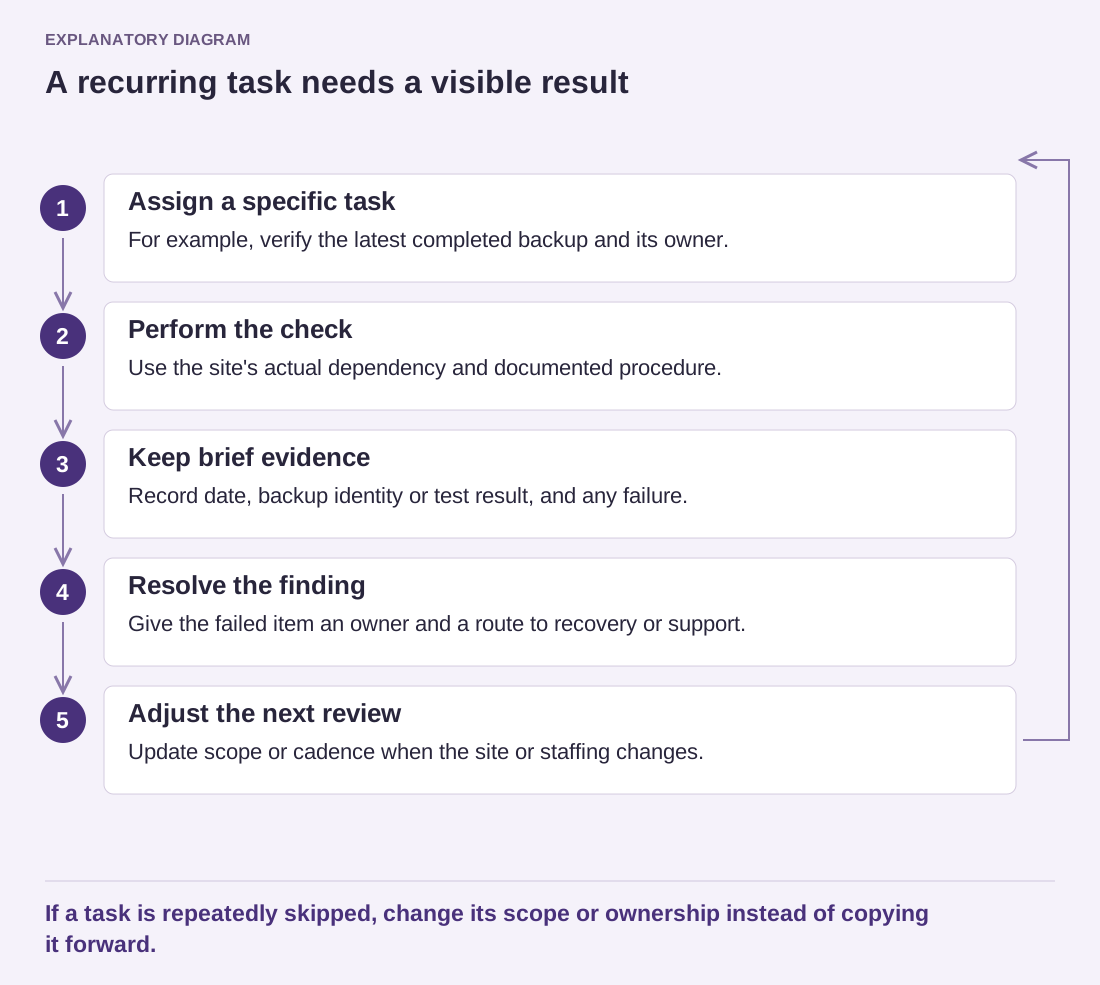
Read the diagram as text
- Assign a specific task: For example, verify the latest completed backup and its owner.
- Perform the check: Use the site's actual dependency and documented procedure.
- Keep brief evidence: Record date, backup identity or test result, and any failure.
- Resolve the finding: Give the failed item an owner and a route to recovery or support.
- Adjust the next review: Update scope or cadence when the site or staffing changes.
If a task is repeatedly skipped, change its scope or ownership instead of copying it forward.
Leave time to resolve failures. A calendar that allows five minutes to click through twenty checks encourages superficial completion. If an update breaks a feature, the responsible person needs a route to support and a recovery plan, not merely another checkbox.
Review ownership during holidays and staff changes. A task assigned to someone who no longer works on the site is effectively unassigned. Keep access instructions in an appropriate secure place so a substitute does not need to ask for passwords in an emergency.
Periodically remove tasks that no longer serve a purpose and add those introduced by new features. The calendar should evolve with the site. Its value is a small, reliable rhythm of work that catches real problems and leaves clear follow-up, rather than an impressive document nobody can sustain.