One theme advertises a minimal footprint. Another looks closer to the design you want. Their demo pages contain different photographs, fonts, sliders and text, so loading them side by side is not much of a comparison. You are measuring two finished presentations as well as two themes.
Build the comparison around your own requirements. Select a long article, a category page and a page containing whatever feature your visitors regularly use. A recipe publication might need a recipe block; a service business might need a contact form. List those requirements before choosing the winner, while neither candidate has had a chance to distract you.
Prepare an equivalent workload
Use separate test copies or a repeatable copy of one staging site. Keep the content, plugins, hosting arrangement and measurement conditions consistent. Record the active theme and relevant settings for each run. Compare equivalent pages with the same images and similar typography rather than letting one candidate display a blank layout.
A difference in appearance is not automatically unfair. Themes make different design choices. The question is whether both versions meet the agreed brief. If one requires an extra slider plugin or several custom scripts to achieve your necessary layout, include those additions in its final comparison. The smallest default installation is not always the smallest usable result.
WordPress's theme testing guidance includes development environments, varied content, functional checks and accessibility checks. Performance is one part of that work. Treat a long title, a deeply nested menu and an ordinary block layout as useful test material, rather than relying only on the carefully arranged demo.
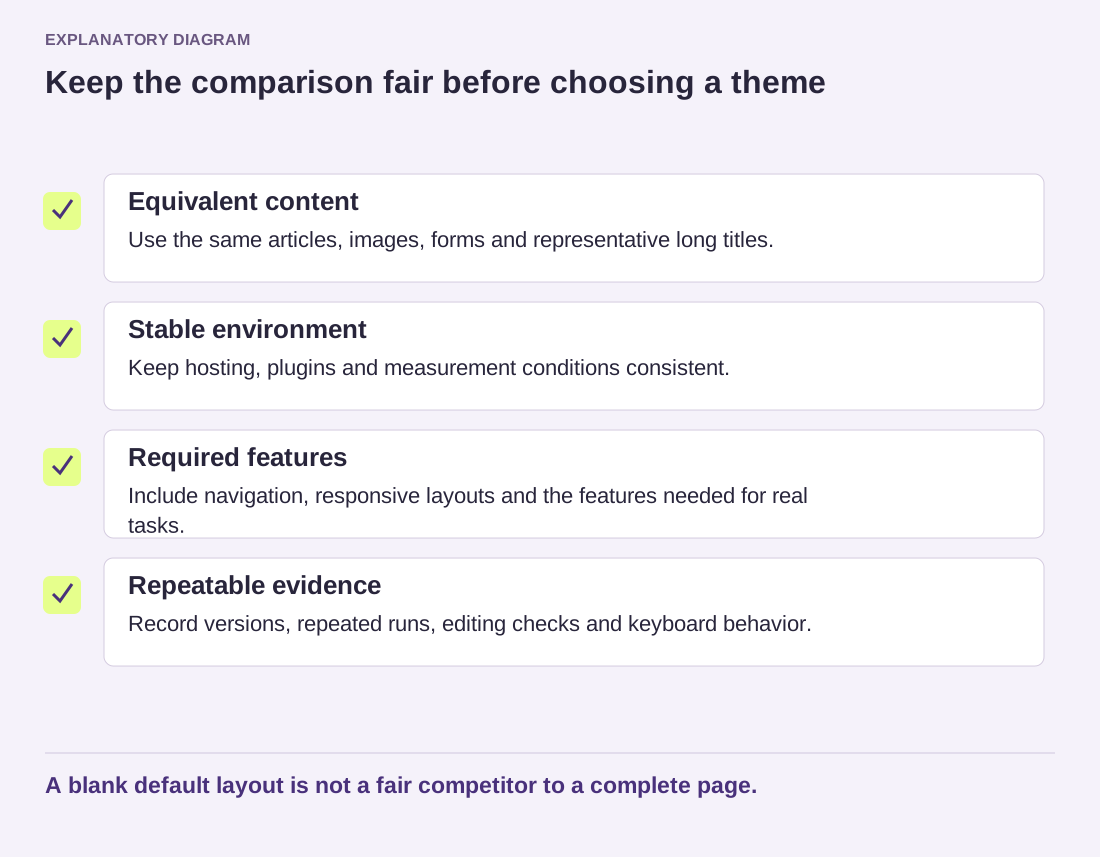
Read the diagram as text
- Equivalent content: Use the same articles, images, forms and representative long titles.
- Stable environment: Keep hosting, plugins and measurement conditions consistent.
- Required features: Include navigation, responsive layouts and the features needed for real tasks.
- Repeatable evidence: Record versions, repeated runs, editing checks and keyboard behavior.
A blank default layout is not a fair competitor to a complete page.
Look at the editing work too
Ask the person who will maintain the site to change a heading, replace an image and add a menu item. Note where the result requires special instructions. A theme that saves a little transfer weight but makes routine updates fragile may impose a cost that never appears in the loading report.
Inspect the finished pages at narrow and wide widths. Follow links with the keyboard, open the mobile menu and check that forms remain understandable. If a required feature fails, resolve that failure before declaring a performance winner. An incomplete page can appear quick because it is doing less than the visitor needs.
Keep a brief decision note with the tested versions, the pages used, repeated measurements and any extra setup. You may reasonably prefer the slightly slower candidate if it works reliably and needs less maintenance. What matters is being able to explain the tradeoff using the site you intend to run, rather than a claim attached to somebody else's demo.