The block editor expects certain requests to return structured JSON data. If it receives an HTML error page, a login redirect or other unexpected output, it may report that the response is not valid JSON. The message describes the response format; it does not by itself establish whether every part of the save failed.
Protect the writing first. Copy the unsaved text or the relevant editor content into a safe local document before reloading. Do not repeatedly click Publish while the result is uncertain, especially when the action could create duplicate or partially saved work.
Check the actual saved state in a separate view without discarding the current draft. Compare the title, recent text and publication status. If a revision or saved version exists, note it. Avoid assuming either that everything is lost or that everything was saved.
Look at the failing request
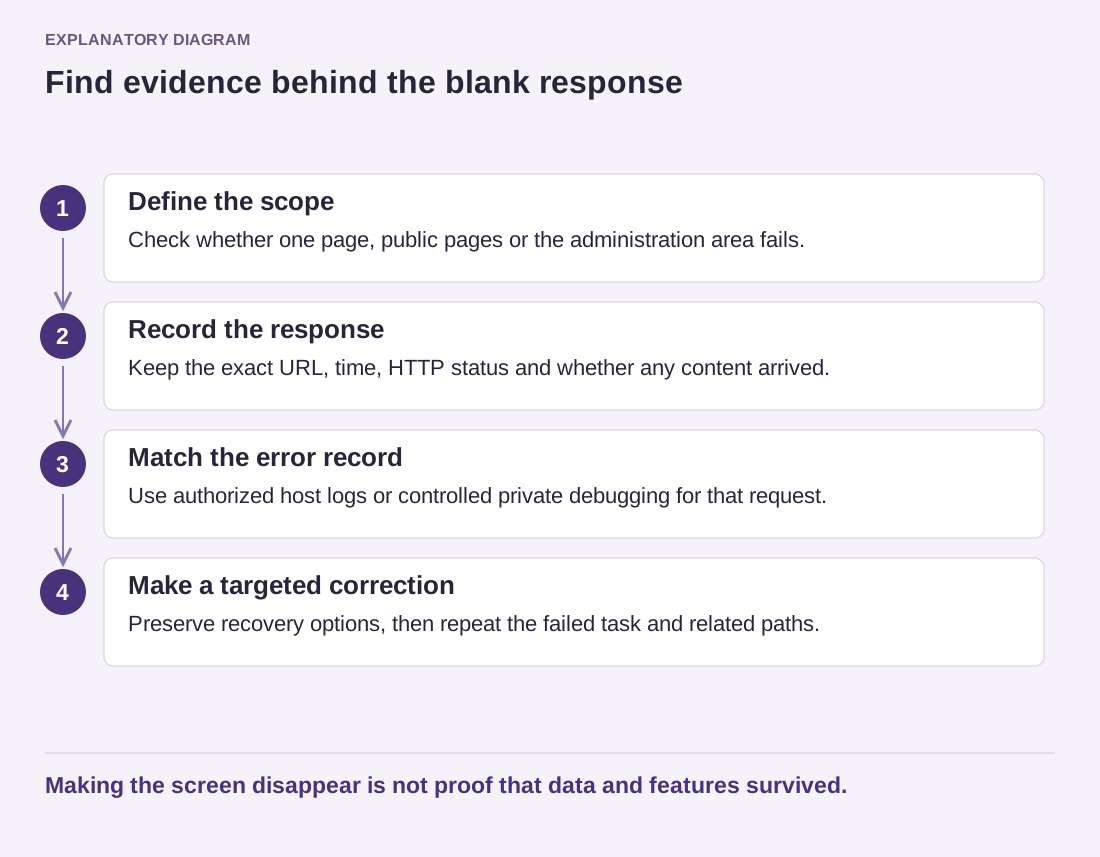
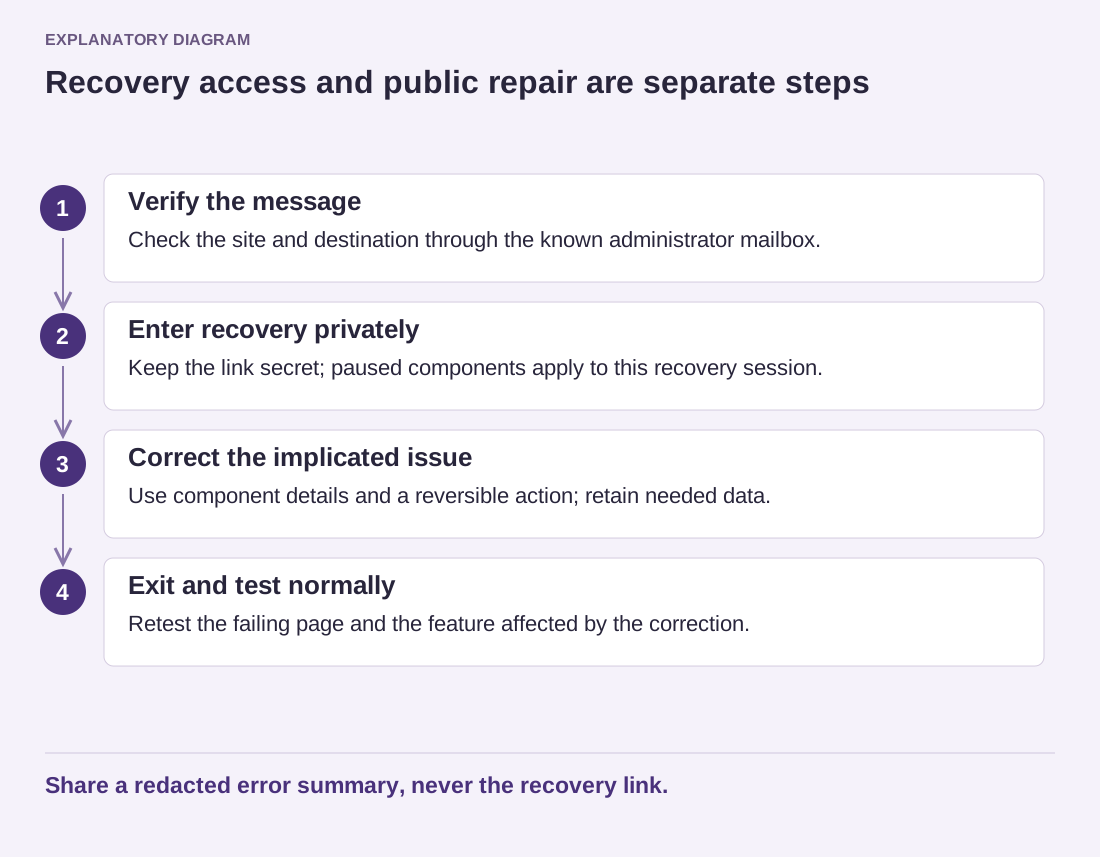
The browser's network tools can show the request status and response. A login page suggests an authentication issue; a server error page suggests another route; an HTML warning mixed into output can invalidate the expected format. Share redacted details with the maintainer rather than publishing cookies, tokens or complete private content.
Review recent changes to site URLs, HTTPS handling, security rules and extensions that affect the REST API. A firewall can block a legitimate request, but disabling all protection permanently is not a diagnosis. Ask the responsible provider to identify the specific rule or response.
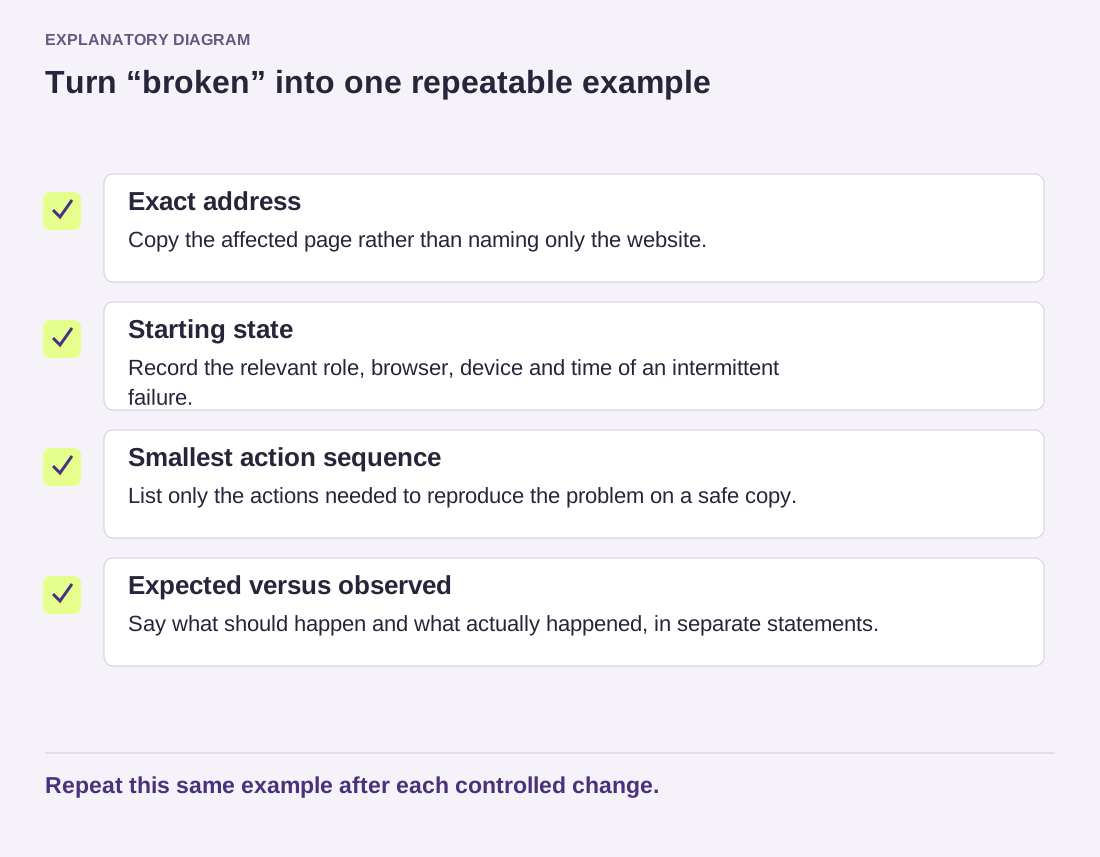
Use a small test draft to reproduce the failure after preserving the original. Determine whether all saves fail or only content containing a particular block or field. That distinction can help separate a general connection problem from an extension-specific one.
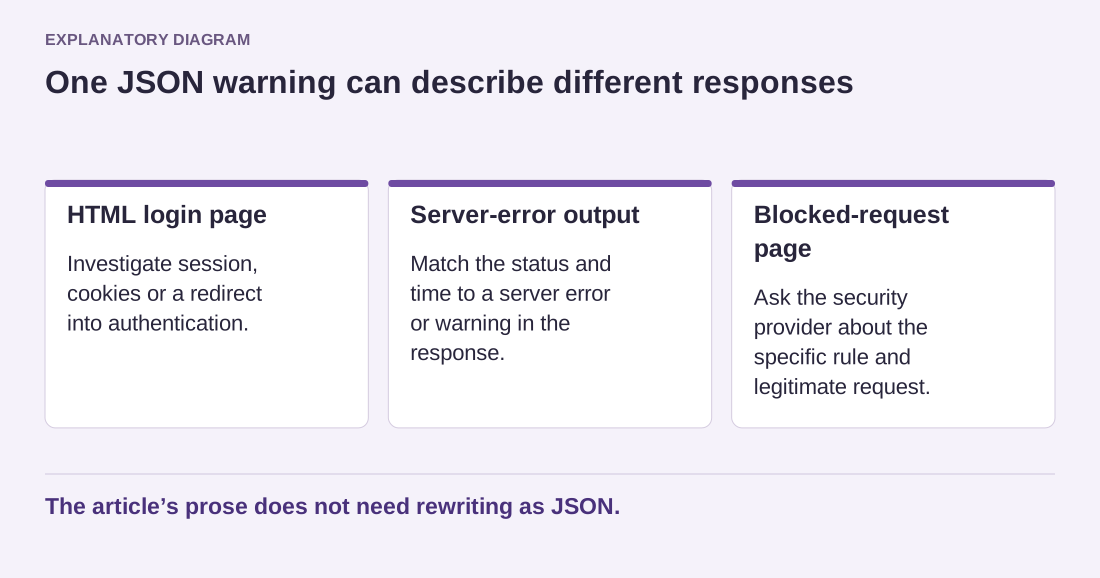
Consider a response that contains a complete HTML login page. The editor asked for data, but the request was redirected into authentication. The next useful question concerns the session, cookies or access layer, not how to rewrite the article as valid JSON. In another case, a security service may return its own blocked-request page. The same editor message can therefore describe very different causes.
Read the diagram as text
- HTML login page: Investigate session, cookies or a redirect into authentication.
- Server-error output: Match the status and time to a server error or warning in the response.
- Blocked-request page: Ask the security provider about the specific rule and legitimate request.
The article’s prose does not need rewriting as JSON.
Preserve only the diagnostic portion needed for support. A network export can contain authorization information and the entire draft body. Before sharing one, ask the recipient which request details are necessary and redact sensitive values through an appropriate process. A status code, timestamp and short sanitized response excerpt may be sufficient to start.
Once the cause is corrected, save the test draft and verify the public or previewed result. Then return to the preserved content and reconcile it with the saved version before publishing. Remove temporary diagnostics and keep the error's cause in the maintenance notes. The safest response combines content preservation with evidence about the request, rather than an immediate reset of the editor or website.