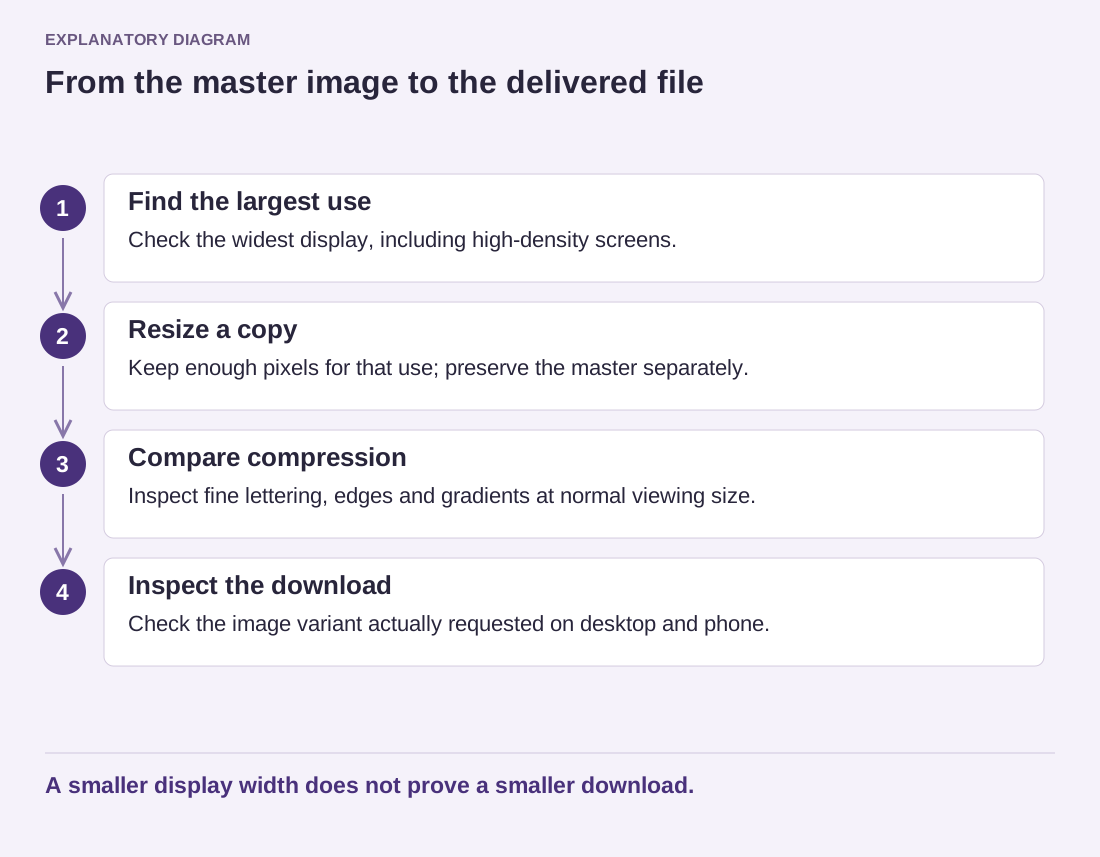
A format recommendation becomes less useful when it ignores the image. A photograph with subtle texture, a screenshot containing tiny labels and a transparent logo place different demands on compression. Choose the format after identifying what must survive in the picture, not before.
Start with a high-quality original and make exports from that original. Repeatedly opening a lossy file, editing it and saving it again can compound damage. Keep the master outside the publishing workflow so that a later redesign does not depend on the smallest copy you happened to upload.
Inspect the parts readers need
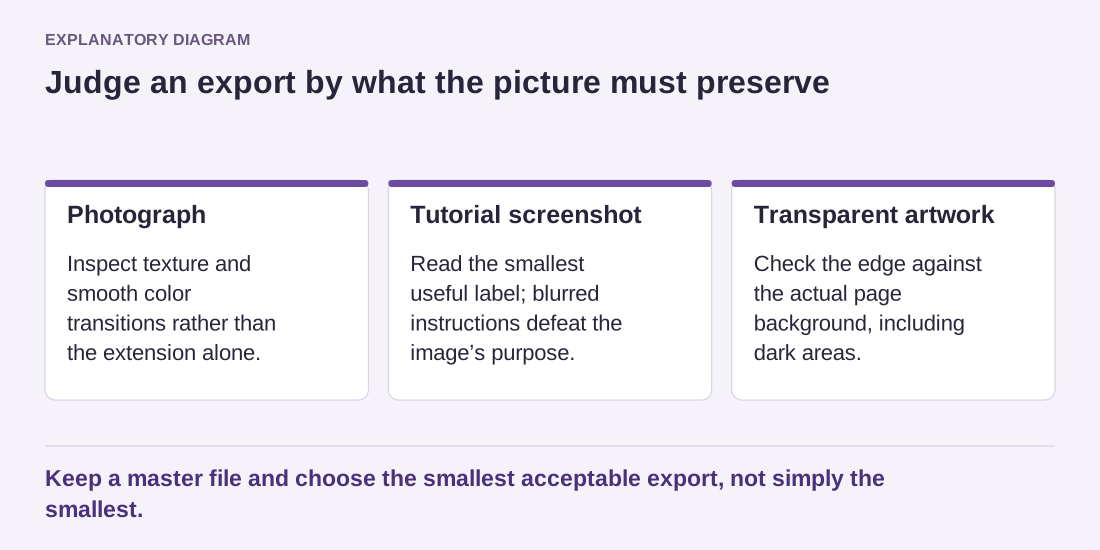
For photographs, compare natural texture and smooth color transitions at the intended viewing size. For a screenshot, read the smallest meaningful label. For transparent artwork, inspect its edge against the actual page background, not only a checkerboard in an editor. An export that looks acceptable on white may show an unwanted border on a dark section.
Try more than one suitable format and quality setting where your workflow supports them. WebP and AVIF can be useful options, but the resulting size and appearance still depend on the image and encoder settings. A PNG can remain appropriate for some sharp-edged or lossless requirements. No filename extension removes the need to inspect the result.
WordPress support also depends on the installation and server image-processing capabilities. Before converting a whole library, test a small upload, confirm that the necessary sizes are generated and inspect the published page. A browser displaying the original file successfully does not prove that the server can generate every derivative your theme expects.
Read the diagram as text
- Photograph: Inspect texture and smooth color transitions rather than the extension alone.
- Tutorial screenshot: Read the smallest useful label; blurred instructions defeat the image’s purpose.
- Transparent artwork: Check the edge against the actual page background, including dark areas.
Keep a master file and choose the smallest acceptable export, not simply the smallest.
Keep the publishing decision reversible
Imagine a tutorial screenshot with a narrow settings label. One export is much lighter but blurs the label enough that readers must guess it. The larger readable export is the useful one. Alternatively, cropping the screenshot to the relevant panel may reduce the required area while preserving clarity, provided the crop does not remove context needed to understand the action.
Record the selected dimensions, format and quality setting for a few representative assets. Treat those as starting points for similar material rather than a mandatory preset for everything. If you add an automatic conversion tool later, compare its delivered output with those examples.
The aim is a file that communicates clearly and transfers efficiently. Both requirements matter. A successful export is not simply the smallest file in the folder, and a technically supported format is not automatically the best choice for every image.