A design may appear to use two fonts while downloading far more than two font files. Separate weights, italic styles and character sets can each add resources. Before looking for another optimization plugin, list the typography that is visible on actual pages.
Use a long article, a navigation menu, a form and a heading-heavy page as your sample. Note which family, weight and style each part needs. An unused extra-bold face or a decorative family left over from an earlier theme is a candidate for removal, provided you verify that it is not used elsewhere.
Check language coverage before reducing files
A bilingual site needs more than the letters visible in an English title. Test accented vowels, ñ, punctuation, currency symbols and any other characters the content uses. A reduced font subset that omits them may trigger a visibly different fallback or missing characters. A smaller download is not a success if ordinary words become inconsistent.
Read paragraphs rather than judging a specimen word. Compare bold text, links and small navigation labels. A typeface that looks attractive in a large heading may need more space or a different size for continuous reading. Those choices affect line breaks and page height as well as appearance.
Understand the loading arrangement
Fonts can be served locally or requested from an external provider. Local hosting requires an appropriate license and correctly prepared files; it is not permission to copy any commercial font you find. An external service adds a network dependency and may affect privacy disclosures. Decide based on the actual arrangement, not an assumption that one source is always faster.
Inspect the network requests and watch the text during a fresh load. Does it remain readable while the intended font arrives? Does the swap change line lengths enough to move nearby content? A sensible fallback can make the waiting period less disruptive, but it still needs visual checking at several widths.
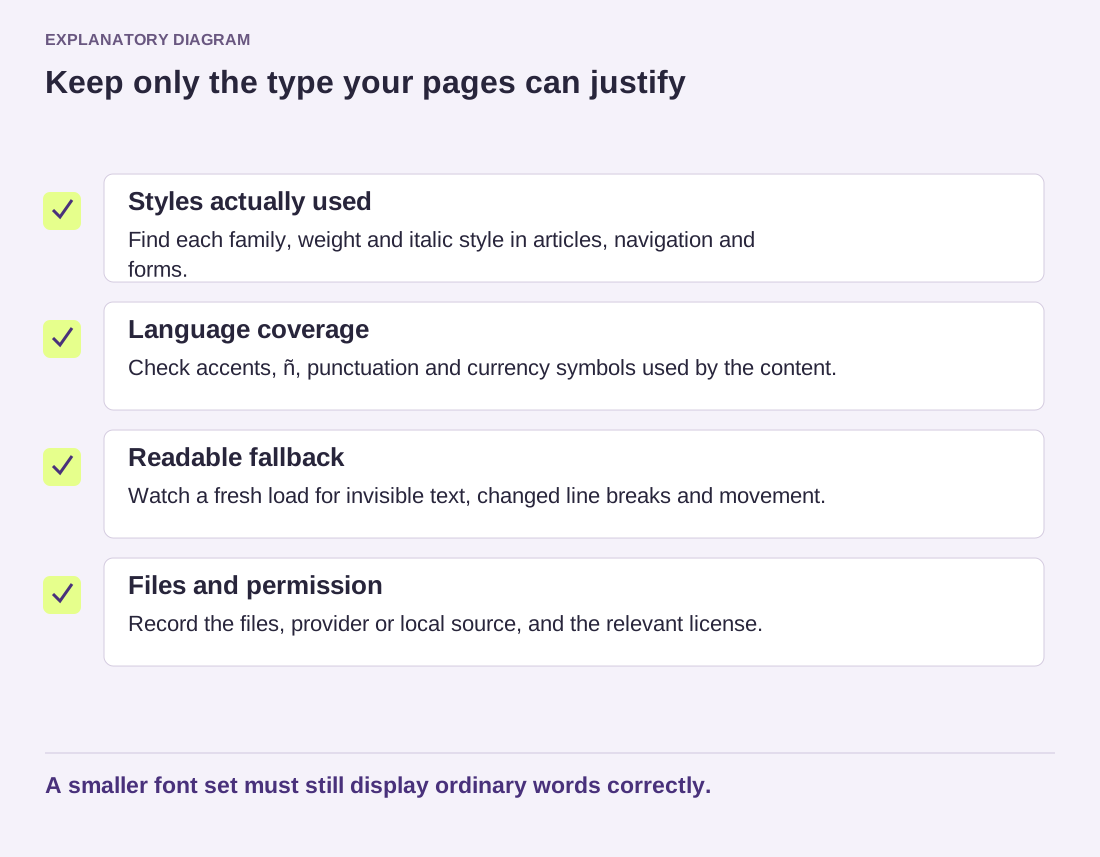
Read the diagram as text
- Styles actually used: Find each family, weight and italic style in articles, navigation and forms.
- Language coverage: Check accents, ñ, punctuation and currency symbols used by the content.
- Readable fallback: Watch a fresh load for invisible text, changed line breaks and movement.
- Files and permission: Record the files, provider or local source, and the relevant license.
A smaller font set must still display ordinary words correctly.
For a small tutorial publication, system fonts may be sufficient. For a brand with a specific typeface, a limited set of necessary weights may provide the desired identity without every available style. A variable font is another option, but compare the actual file and supported design needs rather than assuming its label guarantees savings.
Document the chosen files, license source and places where each style is used. When the design changes, revisit that record. The most useful font budget is a deliberate relationship between readable content and necessary resources, not a fixed number copied from someone else's site.