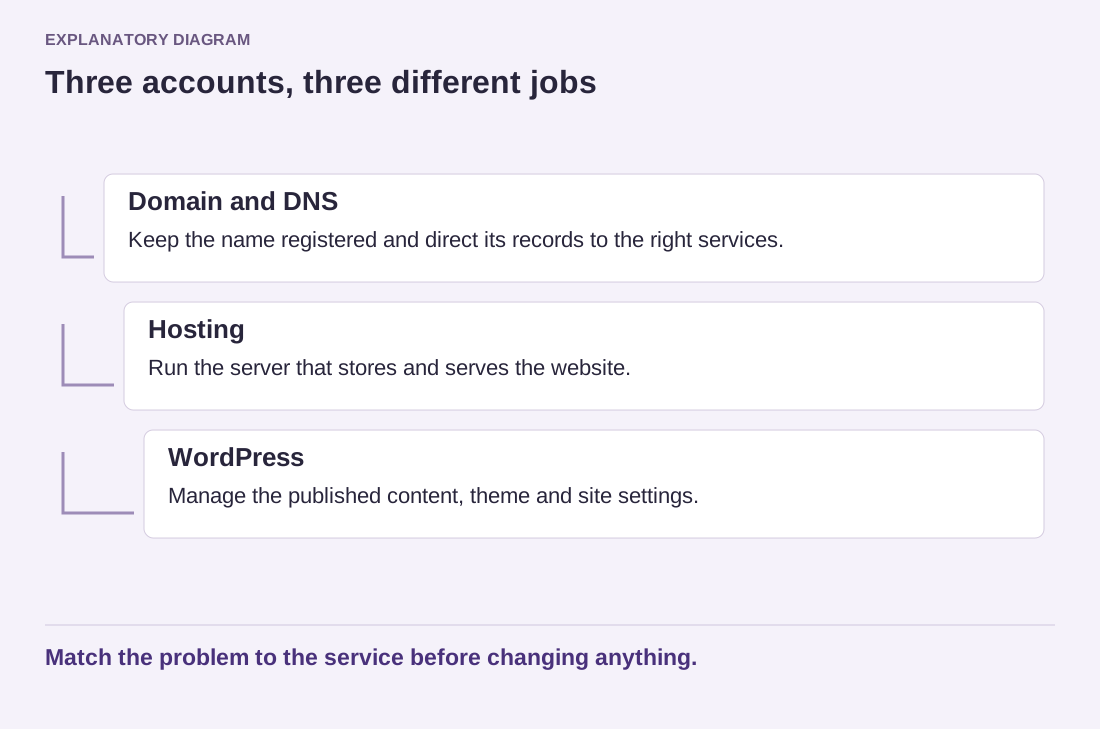
The first WordPress decision is often presented as a choice of themes. It is more useful to begin with the work behind the screen. Someone must maintain the installation, keep a recoverable copy of the site and respond when a change breaks a page. The hosting arrangement determines how much of that work stays with you.
WordPress is open-source software. You can install it with a hosting provider of your choice, or use a service that supplies a managed WordPress environment. WordPress.com is one such hosted service; it is not the download page for every independently hosted installation. A tutorial written for one environment may describe controls that do not exist in another.
Put your actual requirements on paper
Imagine a local repair business with a few service pages and an enquiry form. Its owner may care most about dependable support, ownership of the domain and an easy way to update opening hours. A designer maintaining client websites might instead need a staging copy, database access and a repeatable way to move changes. Neither example automatically requires the most expensive plan.
Write down the features you cannot compromise on: a particular plugin, access for a contractor, a store, downloadable files or a multilingual publishing workflow. Ask whether each feature is supported on the exact plan being considered. A provider offering a capability somewhere in its product range does not mean that capability is included in the entry plan.
Ask what “managed” includes
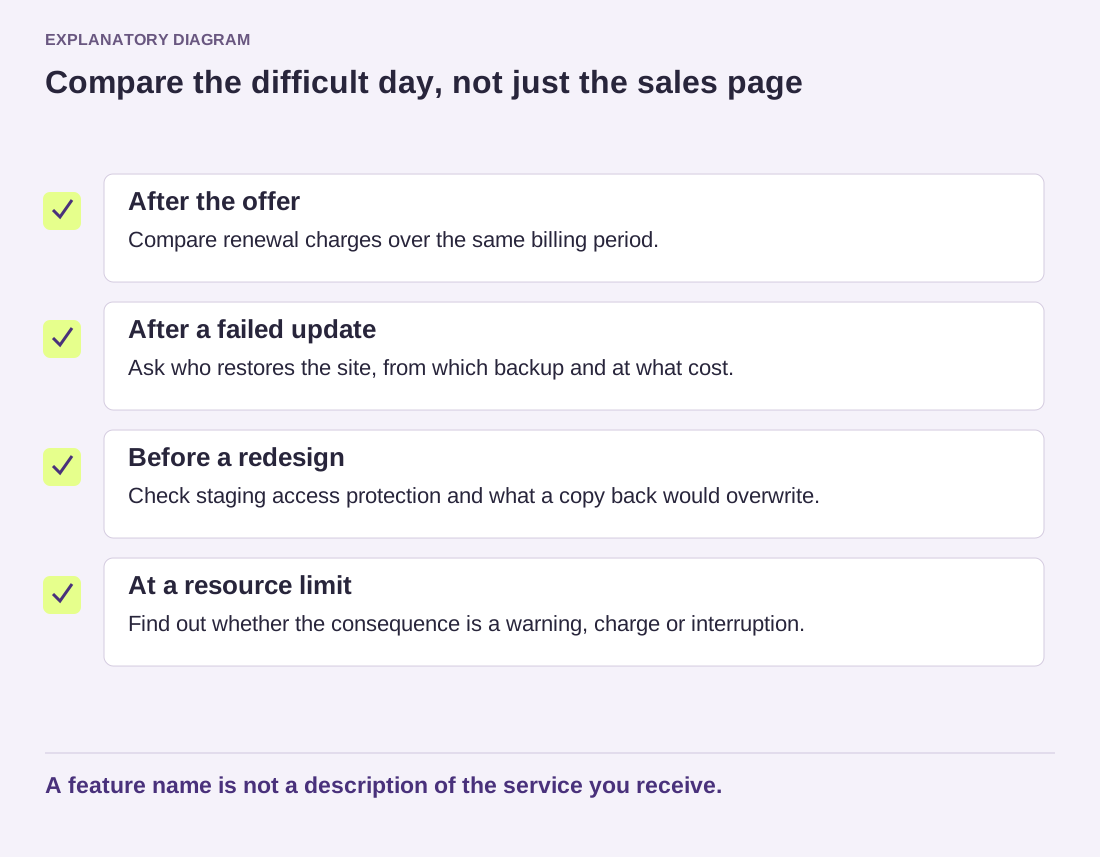
The word can describe quite different services. Find out who applies updates, how backups are retained, whether restoring a backup costs extra, and what the support team will investigate. Assistance with a server problem is different from repairing a custom theme. Request an explanation of those boundaries before a problem makes them urgent.
Keep a note of renewal prices and exit options as well. A low first-year offer is only one part of the cost. Confirm that you can export your content, obtain the files and database when appropriate, and retain control of the domain. Do not assume that cancelling hosting will leave every other connected service unaffected.
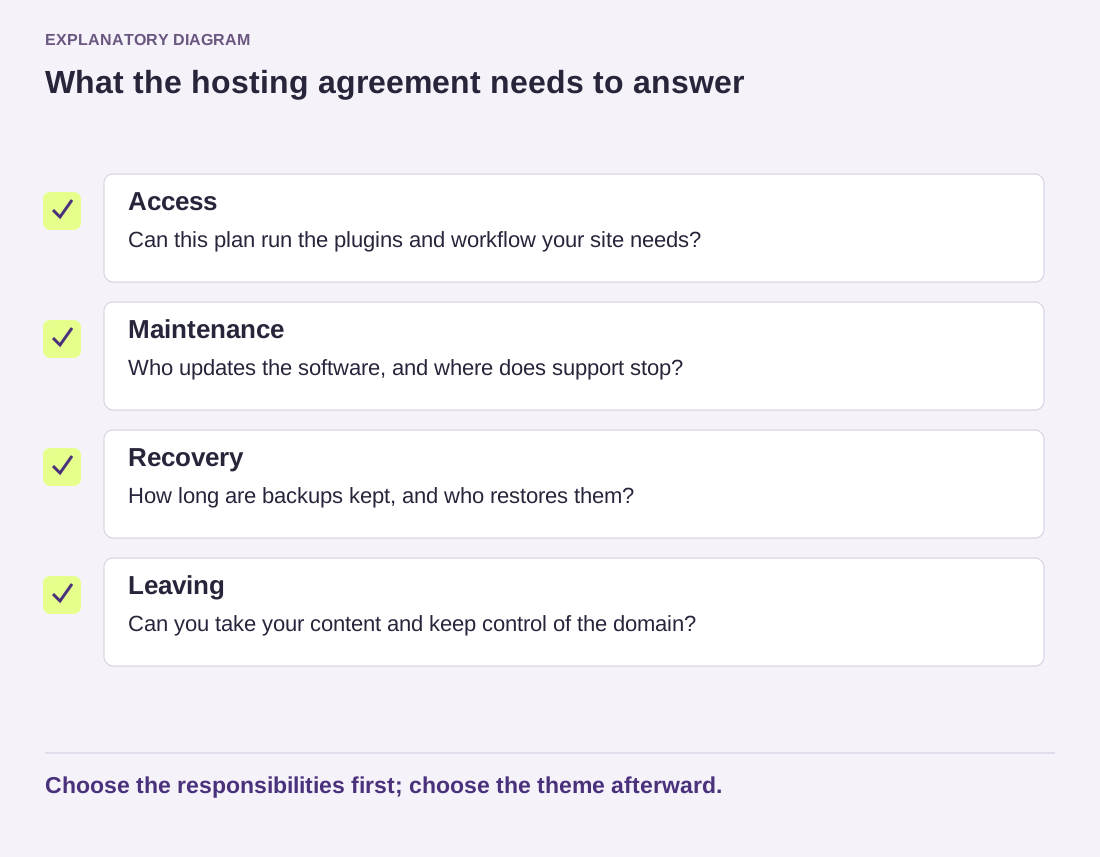
Read the diagram as text
- Access: Can this plan run the plugins and workflow your site needs?
- Maintenance: Who updates the software, and where does support stop?
- Recovery: How long are backups kept, and who restores them?
- Leaving: Can you take your content and keep control of the domain?
Choose the responsibilities first; choose the theme afterward.
Once those questions are settled, a theme becomes a much simpler choice. You know which tools are available, who will maintain them and how the site can move if the arrangement stops working. Save the chosen plan's details with your project notes, rather than relying on a sales page that may change later.