A database export or full-site archive may contain private content, personal information and configuration secrets. Leaving it in a publicly served directory can expose that material even when the normal pages reveal none of it.
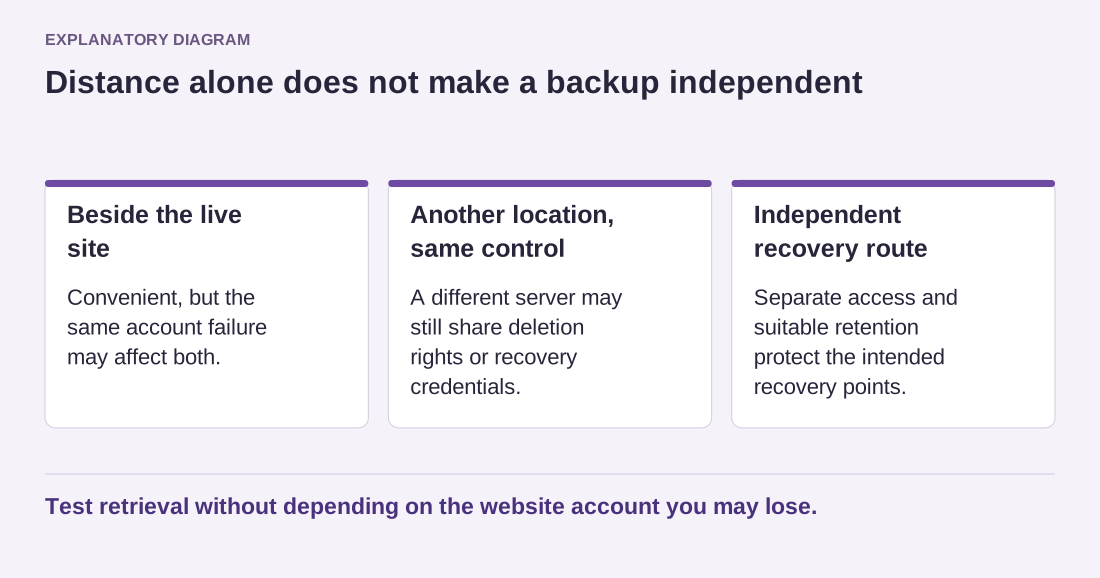
A complicated filename is not a reliable access control. Links can appear in logs, browser history, support messages or an accidental directory listing. Do not assume that an archive is safe because nobody would guess its name.
Use the backup system's intended protected storage and download mechanism. If a maintainer creates a manual export, agree on a location outside public delivery or another appropriately controlled route supported by the host. The exact arrangement depends on the server configuration.
After downloading a temporary copy, remove the server-side export when it is no longer needed through the documented process. Confirm that the old public URL, if one existed, no longer provides the file. Also review temporary copies made during migrations or support work.
Do not send a complete archive as an ordinary attachment to a broad email group. Share it only with authorized people through an appropriate controlled method. If encryption is used, arrange key delivery separately and preserve the key needed for legitimate recovery.
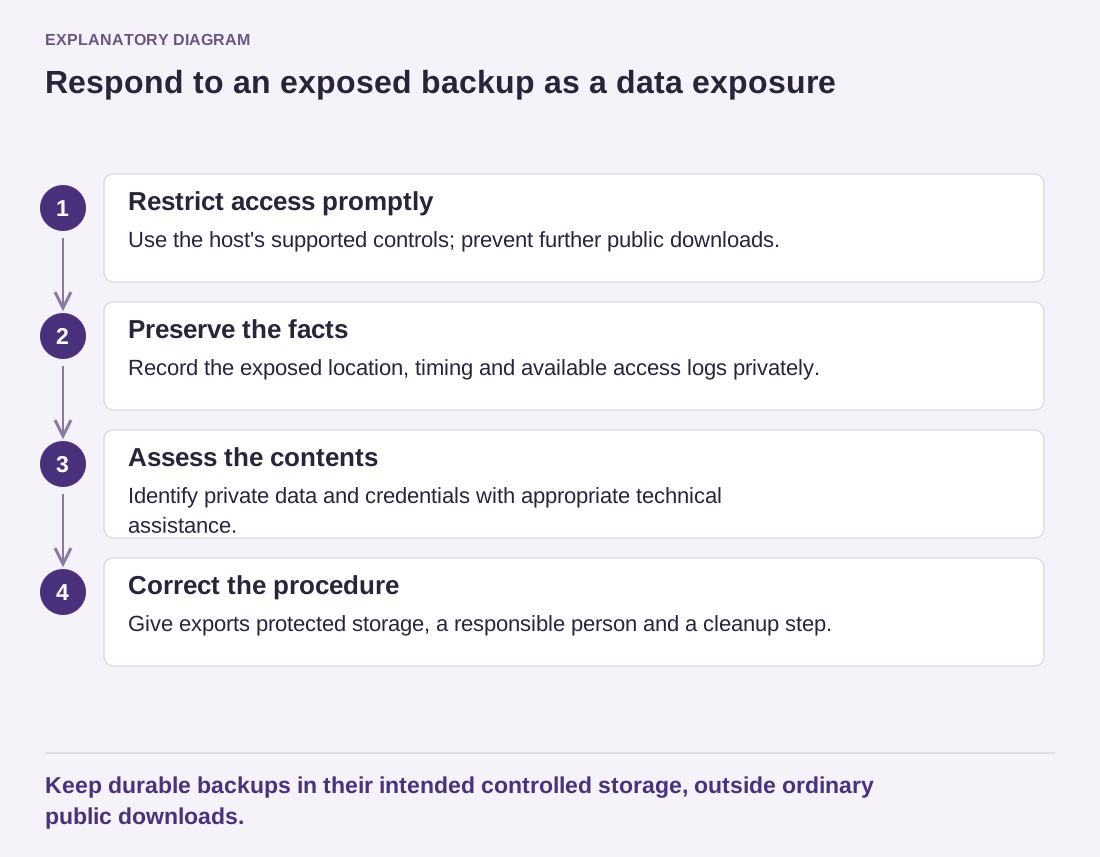
If you discover an exposed backup, restrict access promptly and preserve the facts needed to assess the incident. Identify what it contained and whether access records are available. Removing the file does not prove that it was never downloaded. Seek appropriate technical and data-protection advice for the actual information involved.
Read the diagram as text
- Restrict access promptly: Use the host's supported controls; prevent further public downloads.
- Preserve the facts: Record the exposed location, timing and available access logs privately.
- Assess the contents: Identify private data and credentials with appropriate technical assistance.
- Correct the procedure: Give exports protected storage, a responsible person and a cleanup step.
Keep durable backups in their intended controlled storage, outside ordinary public downloads.
Review the backup and deployment procedures that created the file. A manual habit of exporting into the website root can recreate the same problem next month. Give temporary archives an owner and a cleanup step, and keep durable recovery copies in their intended storage. A backup should improve the site's resilience without becoming a second, less protected copy of everything it holds.