Support receives “the site is not working” and has to ask what you saw, where you saw it and what you expected. You can shorten that exchange by preparing a small evidence packet. It should describe one problem clearly, not transfer the entire responsibility for discovering the problem to whoever opens the ticket.
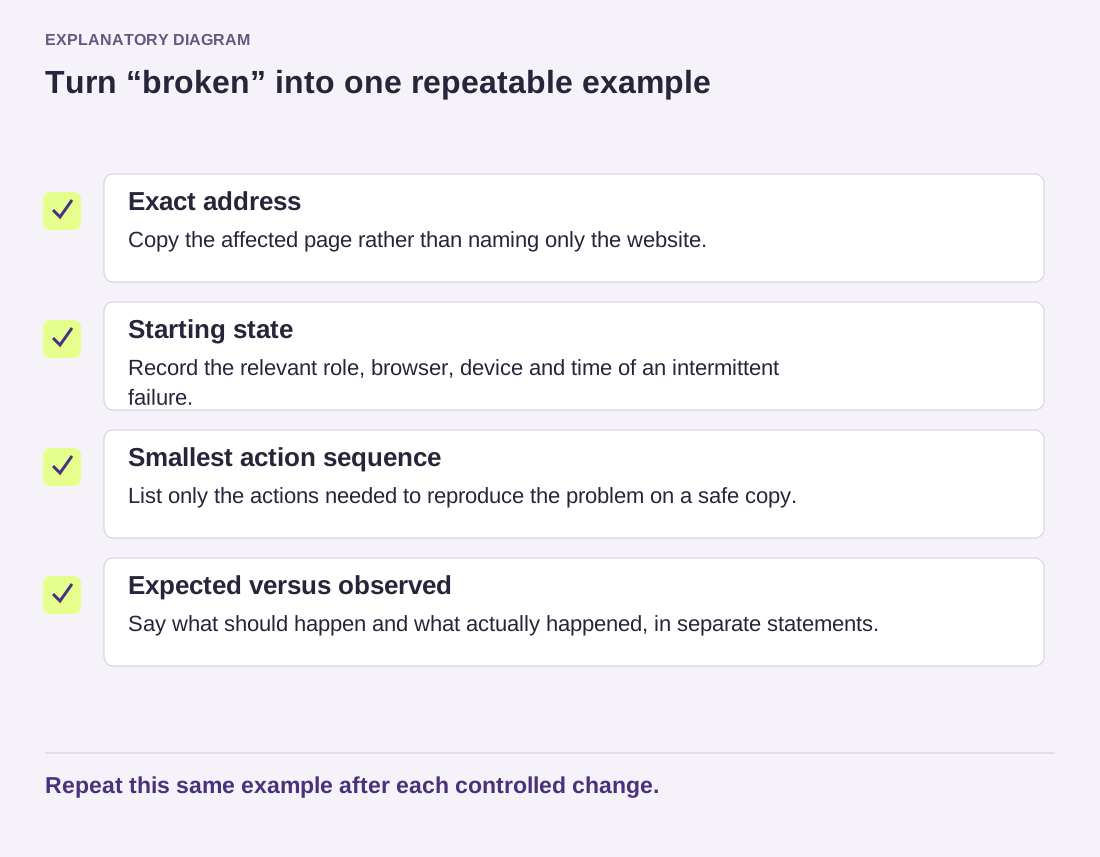
Begin with the affected task. “The contact form shows a confirmation, but its notification does not reach the configured mailbox” is a useful description. “Email broken” is not as useful. Add whether the issue affects every attempt, one device or only a particular account. If you have not checked those conditions, say so instead of presenting a guess as a result.
Make the sequence reproducible
Give the page address when it is public and safe to share, then describe the smallest sequence that triggers the issue. Include the expected outcome and what happened instead. Record the time with a time zone, especially when the provider will look through server logs. A local time without a zone can send them to the wrong part of the record.
For a form problem, a controlled test might use an address you own and a harmless message with a distinctive subject. Do not send an actual customer's enquiry just because it already demonstrates the failure. If the problem depends on a particular file, ask whether a sanitized sample can reproduce it before attaching the original.
Add only the environment details that matter: WordPress version, active theme and relevant plugin versions, browser when the issue is visual, and PHP version when server execution is involved. State whether this is production or a staging copy. The same symptom on an old test installation does not establish that it exists in production.
Share a relevant excerpt, not every log
A short error excerpt from the time of the test is often more useful than a large unfiltered file. Keep the error type, component name and surrounding sequence where they explain the failure. Remove secrets, personal information and unnecessary account paths before sharing. A screenshot should show the relevant state without exposing browser tabs, customer lists or account details around it.
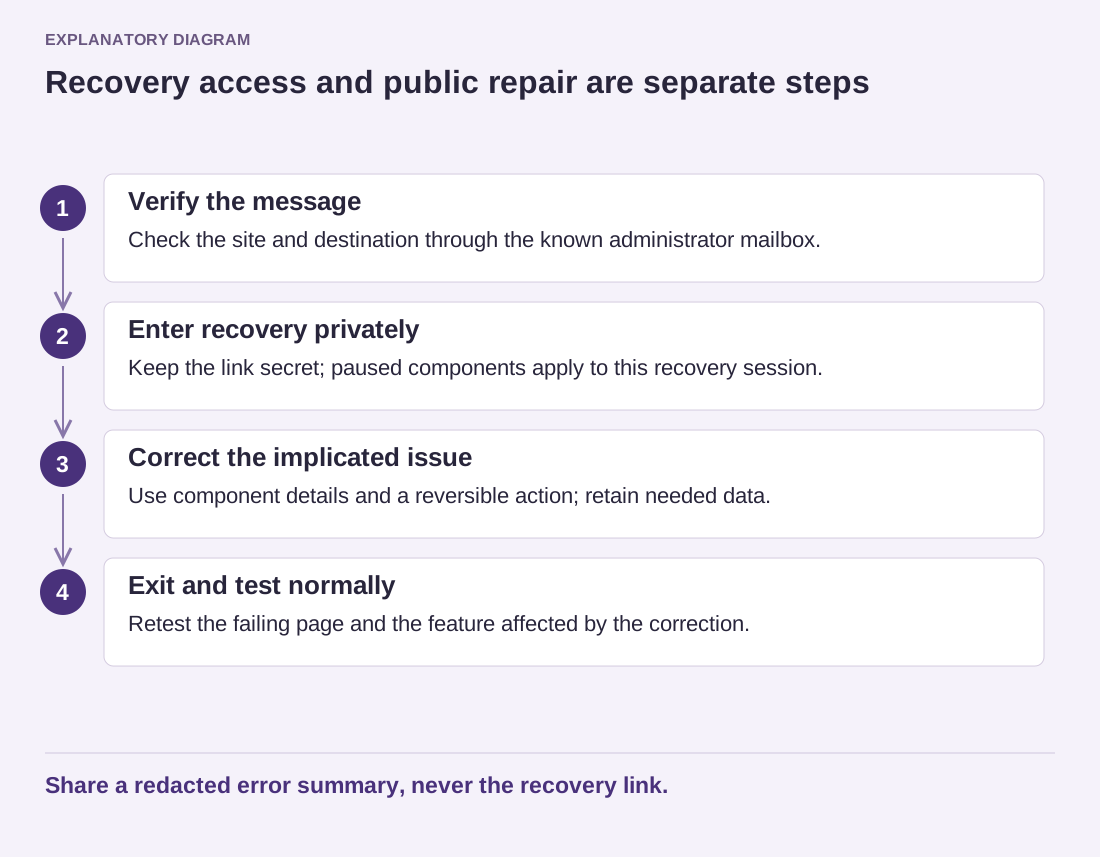
Never post passwords, application credentials, recovery links or access tokens in a public forum. The WordPress.org support forums prohibit exchanging site login information. If a commercial provider genuinely needs access, use its verified private process and an appropriately limited account, then remove that access when the work ends. A stranger replying to a forum thread is not automatically that provider.
Network captures and exported diagnostic files deserve an extra review. They can include request headers, cookies or submitted values that are not obvious in a screenshot. Ask what subset support needs and use a secure channel where appropriate. Do not assume a file is harmless because it has a technical extension or came from a diagnostic button.
Include what has already changed
List the meaningful experiments and their results in order. “Disabled the named plugin on staging; the same action still failed” helps. “Tried everything” does not. Mention a recent update, migration or configuration change without insisting that it must be the cause. Timing is evidence to investigate, not a diagnosis by itself.
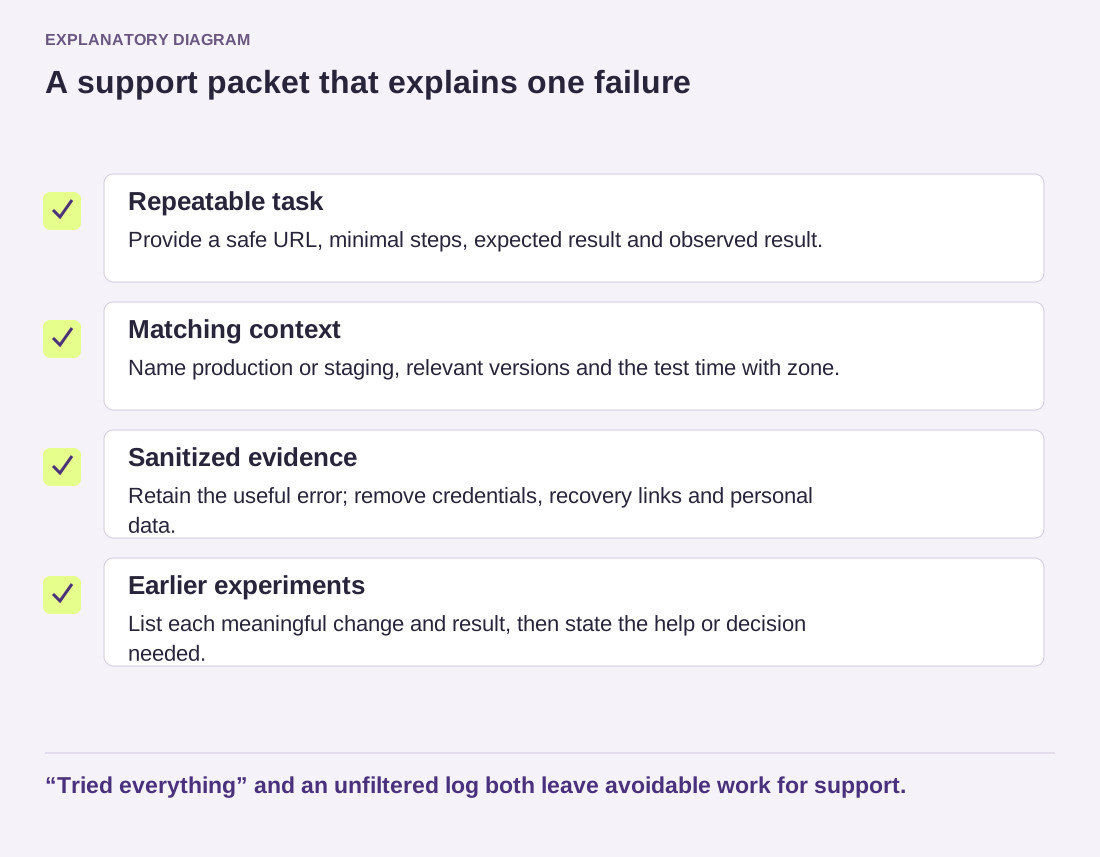
Read the diagram as text
- Repeatable task: Provide a safe URL, minimal steps, expected result and observed result.
- Matching context: Name production or staging, relevant versions and the test time with zone.
- Sanitized evidence: Retain the useful error; remove credentials, recovery links and personal data.
- Earlier experiments: List each meaningful change and result, then state the help or decision needed.
“Tried everything” and an unfiltered log both leave avoidable work for support.
End with the decision or help you need: confirming a mail rejection, checking a server error, or identifying the supported way to restore a block. Keep the original files privately so you can answer a follow-up, but send the smallest useful set. When the issue is resolved, record the confirmed cause and final check in the same thread. That leaves a readable history for the next person who maintains the site.