A browser showing the wrong page may have followed several redirects before arriving there. Adding a new rule at the first place you can find can create another hop or a loop. Start by observing the route that already exists.
Use the browser's network inspection or a trusted diagnostic method to record the original URL, each redirect status and each destination. Preserve the sequence in order. A screenshot of only the final address cannot show where the unwanted decision happened.
Compare the route with the intended result. A normal HTTP-to-HTTPS move may be followed by a domain normalization and then a content redirect. Those steps can be deliberate, but a bounce back to an earlier address indicates conflicting rules.
Look at the hosting controls, web-server configuration and WordPress redirect tools relevant to the site. A CDN or proxy can also act before WordPress receives the request. Ask the provider about a hop you cannot account for rather than assuming the last plugin installed created it.
Test the exact path and query string that failed. A rule matching the homepage may behave differently for an article, and a parameter can affect a campaign or login route. Do not broaden a rule until you understand which addresses it should cover.
If a destination recently changed, consider cached redirects. A fresh test context can help distinguish stored browser behavior from the server's current response. Record what was tested so a temporary difference is not mistaken for a permanent repair.
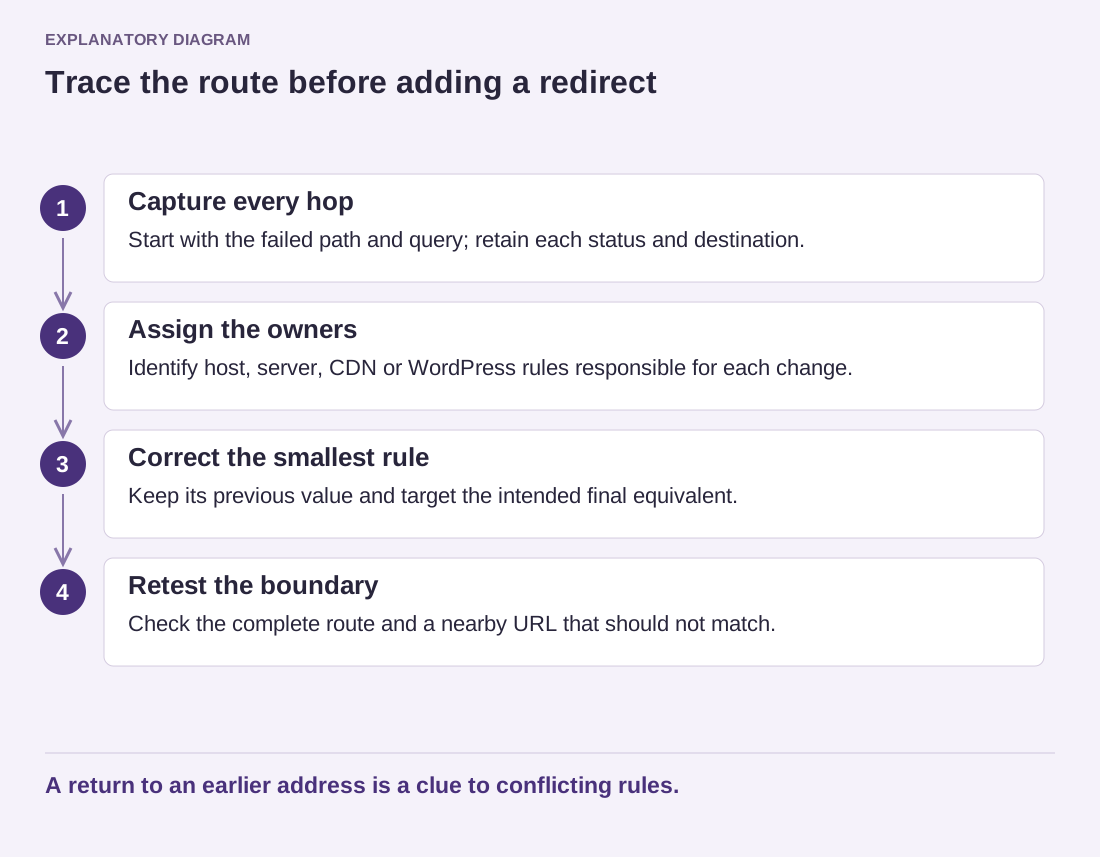
Read the diagram as text
- Capture every hop: Start with the failed path and query; retain each status and destination.
- Assign the owners: Identify host, server, CDN or WordPress rules responsible for each change.
- Correct the smallest rule: Keep its previous value and target the intended final equivalent.
- Retest the boundary: Check the complete route and a nearby URL that should not match.
A return to an earlier address is a clue to conflicting rules.
Change the smallest responsible rule and repeat the complete route. Keep a record of the previous value and an appropriate configuration backup. When possible, send an old content URL directly to its final equivalent instead of retaining an avoidable chain.
Check a neighboring URL that should not match the rule. A correction is incomplete if it fixes one link by redirecting unrelated content. Finish with an understandable map of the intended routes and their owners, so the next change does not add another unexplained layer.