The new homepage opens, but a button sends visitors back to the previous domain. Moving files and a database does not necessarily update every address stored inside them. Links can remain in article content, navigation, widgets, theme settings, plugin data or custom code. Start with a few actual examples rather than assuming one global replacement will explain them all.
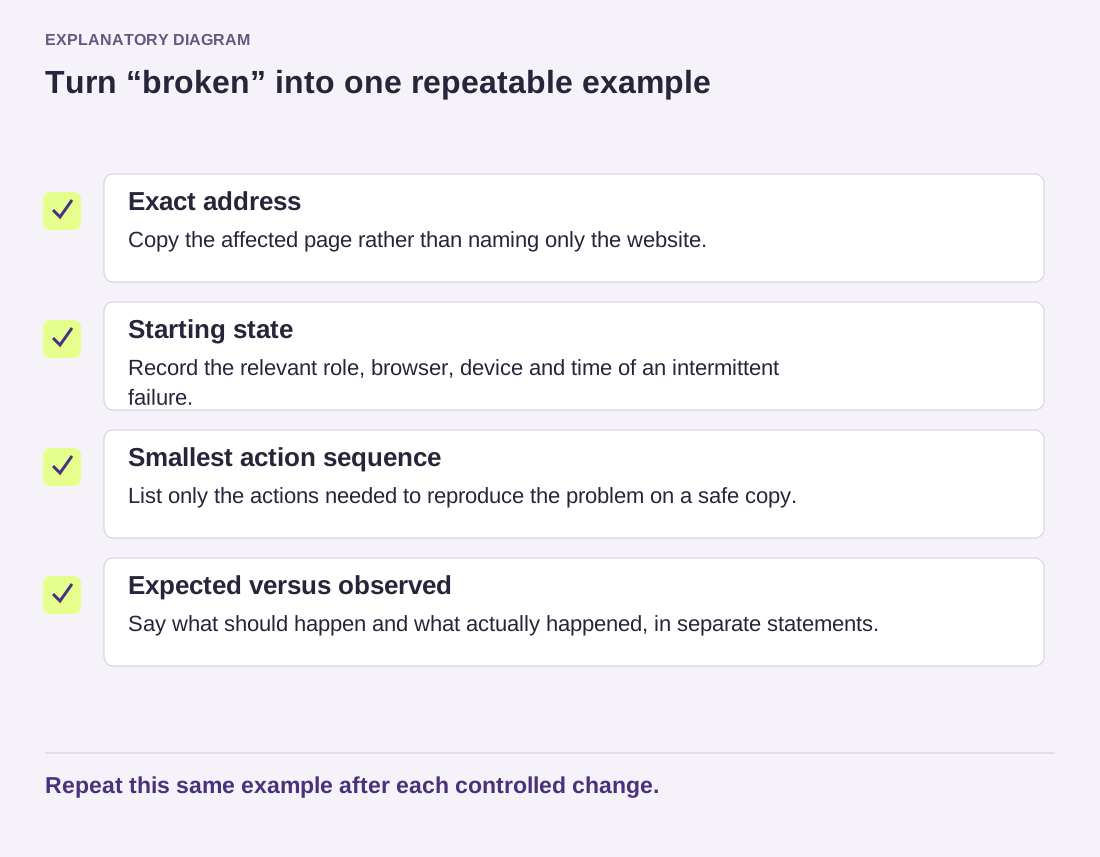
Copy the old destination exactly, including the protocol, hostname, path and any query string. Note where it appears and whether the browser redirects after opening it. An image request, a menu destination and a plain historical mention of the former site are different kinds of references. Only some may need changing.
Define the replacement before running it
Write the old and new URL prefixes side by side. Check whether the move also changed a subdirectory, www usage or HTTP to HTTPS. An exact-prefix replacement is easier to reason about than replacing every occurrence of a short brand name. Keep email addresses, quoted documents and external references in mind; an old domain string can appear in places where changing it would be wrong.
Take a recoverable database backup and test the proposed operation on a copy. Some WordPress settings store structured data with serialized values. A plain text substitution in a database dump can leave that data inconsistent. Use a tool that understands the format, such as a suitable migration tool or WP-CLI's search-replace command, with a scope appropriate to the installation.
The operator should confirm the target installation, tables and exclusions before making changes. Multisite requires particular care because several sites can share a database. Do not copy an all-tables command into an unfamiliar hosting account. A dry run can show the proposed replacement count without saving changes; inspect that report and a few representative matches before proceeding.
Work through a small example
Imagine a site moving from an old domain's /blog directory to the root of a new domain. Replacing only the hostname could leave /blog in every path, which may produce wrong destinations. Replacing a bare word from the old brand could change article prose and email addresses as well. The useful match is the address pattern that actually changed, verified against the intended URL structure.
There may be more than one legitimate old pattern: HTTP and HTTPS versions, for example. Handle each deliberately and record its scope. A zero-match report does not prove the site is clean if the search string was wrong. A surprisingly large count is a reason to inspect the operation, not a reason to hurry through it.
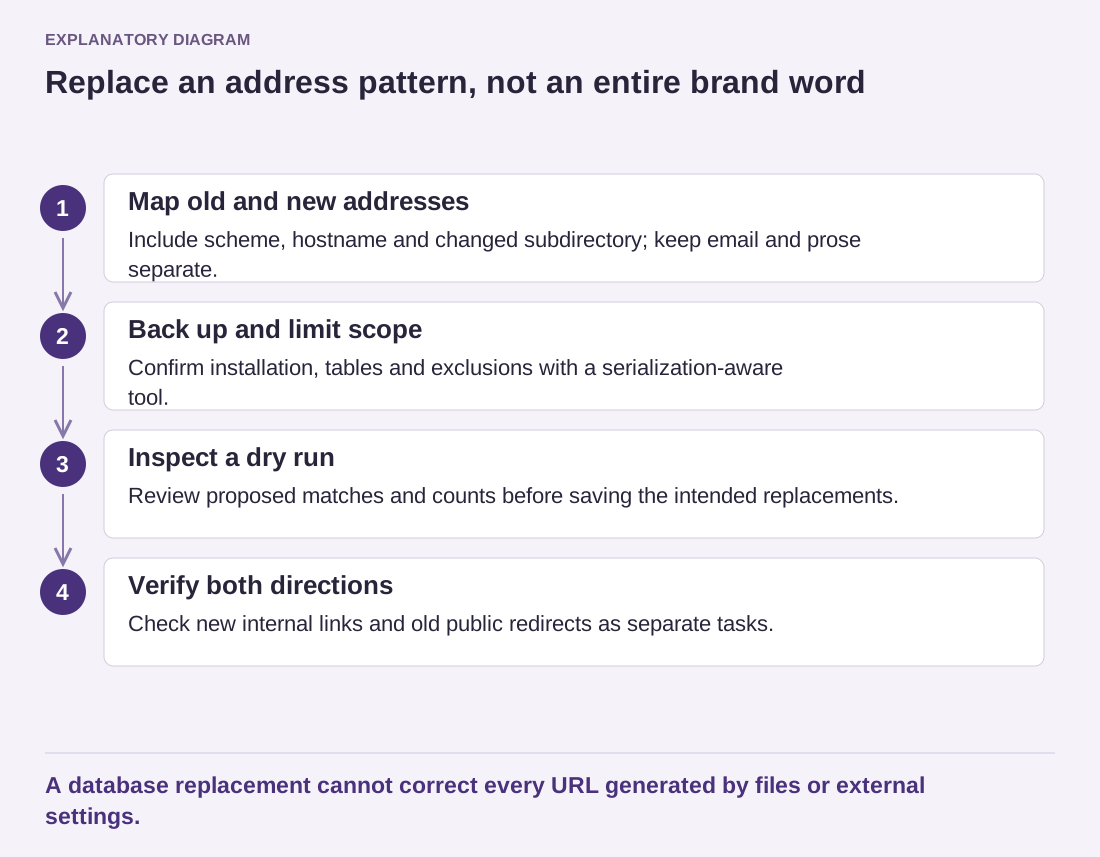
Read the diagram as text
- Map old and new addresses: Include scheme, hostname and changed subdirectory; keep email and prose separate.
- Back up and limit scope: Confirm installation, tables and exclusions with a serialization-aware tool.
- Inspect a dry run: Review proposed matches and counts before saving the intended replacements.
- Verify both directions: Check new internal links and old public redirects as separate tasks.
A database replacement cannot correct every URL generated by files or external settings.
Check the delivered site
After the approved change, inspect representative article links, menu items, images and plugin-generated sections. Clear the relevant caches so you are testing the updated output. Some URLs may be produced from files or external settings that a database replacement cannot reach. Investigate those separately instead of rerunning a broader database operation.
Keep identifiers such as post GUIDs out of a routine URL migration unless a knowledgeable maintainer has established a specific reason otherwise. They are not simply another set of visitor-facing links. The official command examples show how columns can be excluded; the exact command still needs to fit your installation.
Finally, decide what visitors following old bookmarks should see. Updating internal links and redirecting the previous public addresses are related but separate jobs. Test an old address and its new destination directly. Retain the backup and change report until the migrated site has passed the checks you need, then manage them according to your normal retention and access practices.