“Services” looks right in the menu, but clicking it opens an old campaign page. Changing the label again will not repair the destination. Inspect or copy the link's address and compare it with the address of the page you intended to use.
A menu item can point to a selected page or to a custom address. A custom link may still contain a staging hostname, an old path or a manually entered fragment. Open that exact address separately. If it redirects somewhere else, record both the starting address and the final destination; the problem may be a redirect rather than the menu's stored link.
Next, locate the navigation that is actually displayed. A block theme can use a Navigation block inside a header or another template part. A classic theme can assign menus to defined locations. The menu you edited yesterday is not necessarily the one used by today's page, especially if different templates or a separate mobile header are involved.
Consider a site where the desktop header works and the phone menu does not. Compare the two visible links before changing the destination page. They may belong to different menus. Correcting the phone version's stored address is more targeted than renaming the page or changing its permalink, which could disturb links that already work.
Read the diagram as text
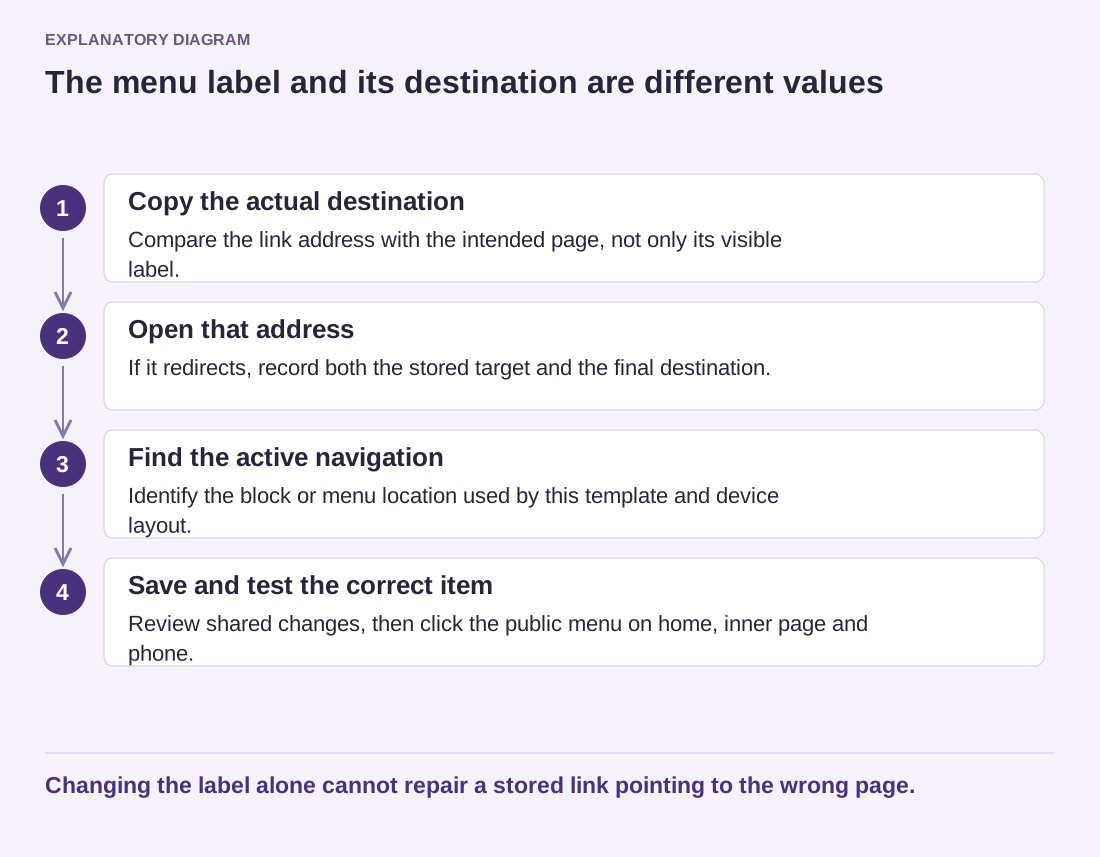
- Copy the actual destination: Compare the link address with the intended page, not only its visible label.
- Open that address: If it redirects, record both the stored target and the final destination.
- Find the active navigation: Identify the block or menu location used by this template and device layout.
- Save and test the correct item: Review shared changes, then click the public menu on home, inner page and phone.
Changing the label alone cannot repair a stored link pointing to the wrong page.
After editing the correct item, save the changes at the appropriate scope. In the Site Editor, review the items being saved so you understand whether a shared navigation or template part is changing. Then open the public page rather than relying only on the editing canvas. Test the actual menu item with an ordinary click and, where useful, by opening it in another tab.
If the old address remains visible, compare the saved navigation with the delivered page before clearing caches. Make sure you are viewing the intended domain, language and template. Once those agree, an outdated cached page becomes a more plausible explanation. The final check should include the homepage, one internal page and the mobile menu, because a correct link in one header does not prove that every header uses it.