A file can fail to upload because of size limits in PHP, the web server, a proxy or the application handling it. Storage capacity and account quotas can also matter. The number displayed in the WordPress media screen is useful context, but it does not explain every possible rejection.
Record the file size, type, exact error and approximate time. Try a smaller harmless file of the same supported type. If that succeeds, you have a useful comparison, though not proof of which limit caused the larger failure.
Ask whether the file needs to be that large. A camera original may be unnecessary for a small article image. A long video may belong in a suitable video-delivery workflow rather than the ordinary media library. Reducing a file appropriately can solve the publishing need without changing server limits.
Check the effective limits
If the larger file is genuinely required, consult the host about the effective upload and request limits. PHP settings can interact, and an upstream server may reject the request before WordPress sees it. Raising one value in a file does not prove the active environment uses that value.
Do not copy configuration instructions intended for another hosting arrangement. Some providers expose supported controls; others require a support request. Keep the change scoped to the necessary limit and consider processing time and storage implications as well as the initial upload.
For a plugin form, check its own file-size and type restrictions separately. A file accepted by the media library may be intentionally rejected by a public form. That difference can be part of the security and operational design rather than a fault.
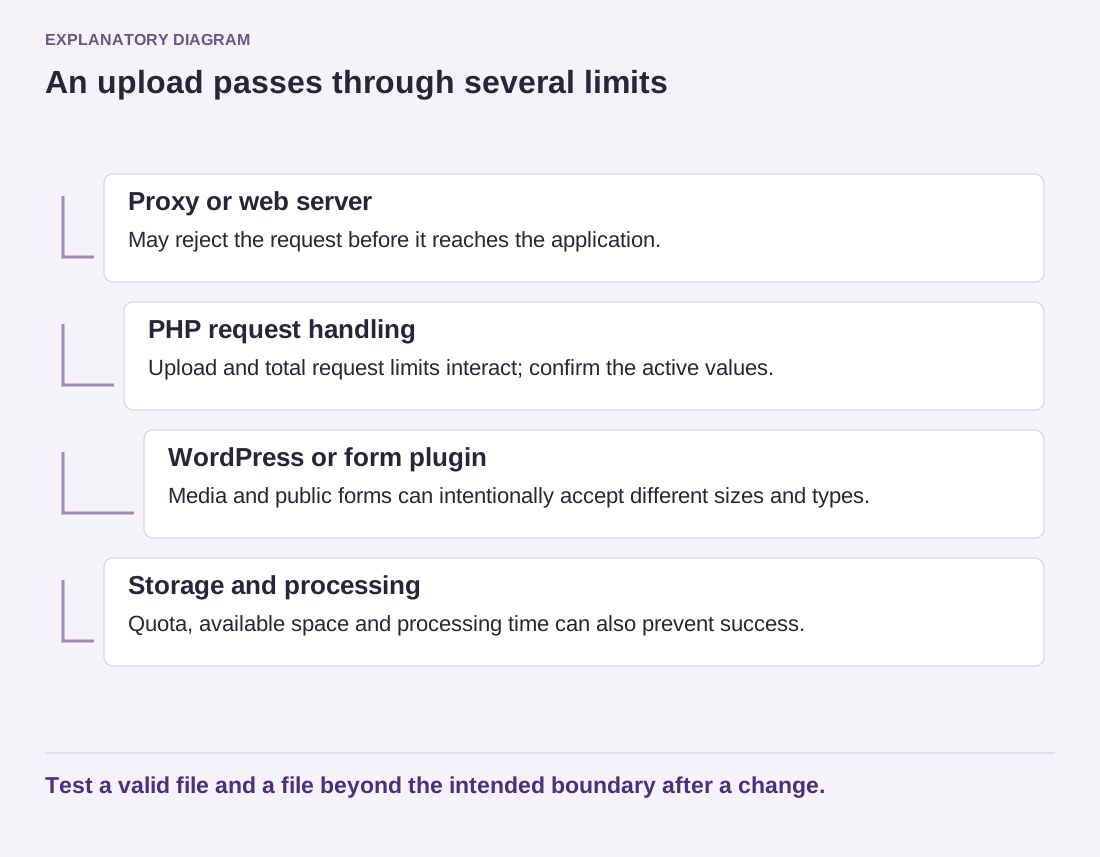
Read the diagram as text
- Proxy or web server: May reject the request before it reaches the application.
- PHP request handling: Upload and total request limits interact; confirm the active values.
- WordPress or form plugin: Media and public forms can intentionally accept different sizes and types.
- Storage and processing: Quota, available space and processing time can also prevent success.
Test a valid file and a file beyond the intended boundary after a change.
After the adjustment, test a permitted file and a file beyond the intended boundary. The latter should fail clearly without leaving the visitor uncertain about the rest of the submission. Confirm that the uploaded file can be used in its intended page or workflow.
Document the chosen limit and why it was needed. A larger allowance should serve a real task, not become an unexplained permanent setting inherited by every future feature.