A saved edit can be invisible because it was made to the wrong page, remains in a draft or belongs to a template that the public URL does not use. Caching is another possibility, but clearing every layer first can distract from a simpler publishing mismatch.
Start by copying the public URL and opening the corresponding item in the editor. Confirm the title, slug and publication state. A similarly named draft or translated page can look almost identical in the dashboard. Check whether the edited content is actually part of the page you are viewing.
For a header, footer or other shared element, identify the active template or template part. A theme can use different layouts for the homepage, posts and archives. Editing one header does not guarantee that every route uses that version.
Look for the change in the editor, then in the relevant preview and finally while logged out. If it appears only in the editor, investigate whether the change was published or whether the template is assigned correctly. If the correct preview differs from public delivery, caching becomes a stronger candidate.
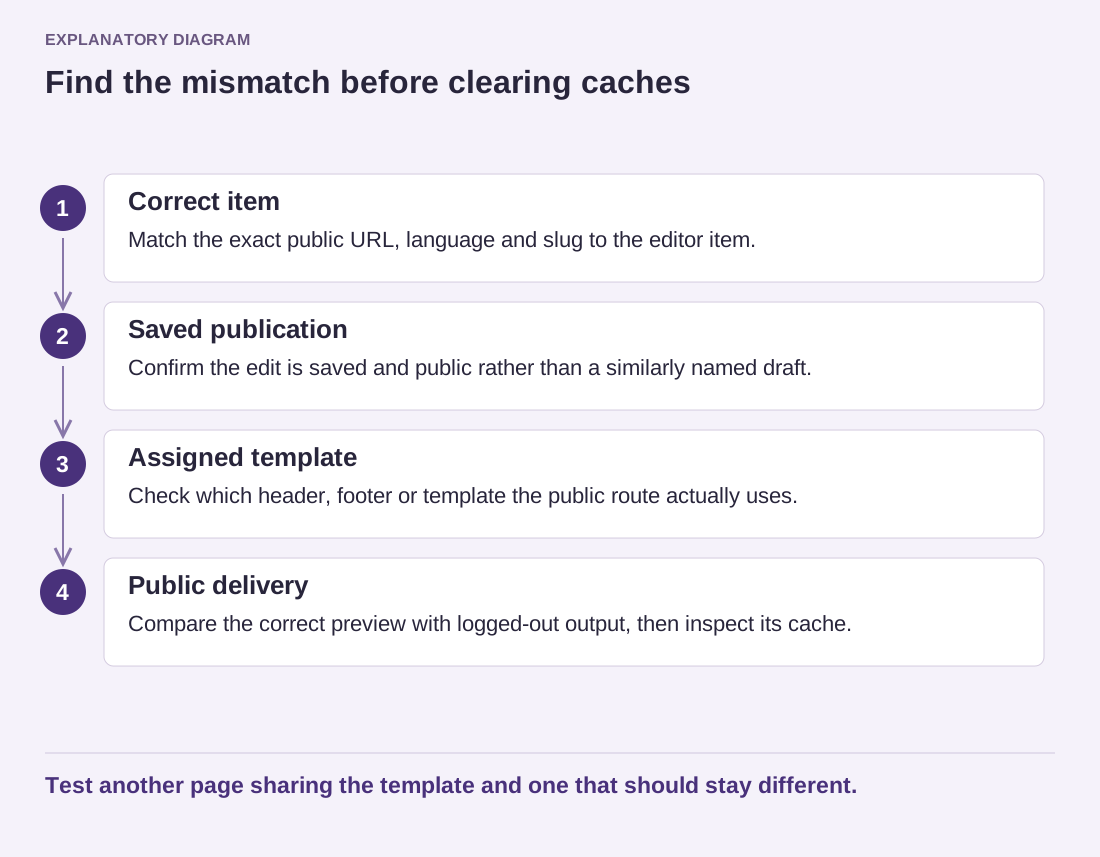
Read the diagram as text
- Correct item: Match the exact public URL, language and slug to the editor item.
- Saved publication: Confirm the edit is saved and public rather than a similarly named draft.
- Assigned template: Check which header, footer or template the public route actually uses.
- Public delivery: Compare the correct preview with logged-out output, then inspect its cache.
Test another page sharing the template and one that should stay different.
Clear the cache responsible for the affected output using its documented controls. The site may have a plugin cache, hosting cache and CDN, while the browser stores its own resources. Record which layer you clear rather than pressing every available purge button and losing the ability to identify the stale copy.
Use a distinctive harmless test phrase if necessary, then remove it after diagnosis. Avoid changing unrelated styling repeatedly to see whether anything happens. That can leave accidental edits once the correct version finally becomes visible.
After resolving the mismatch, check a second page using the same template and a page that should remain different. Confirm that the intended content, not merely some newly generated output, is now public. Keep the explanation in the editing notes if the site has several similarly named templates. The next editor should be able to identify the right place without repeating the same investigation.